Google Business Verification: Complete Guide to Verify Your Google Business Profile Successfully
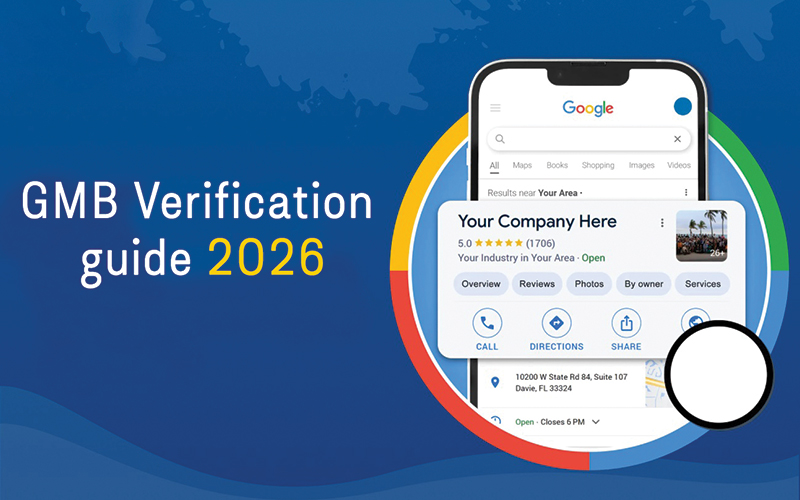 Your business should be verified on Google; otherwise, you may miss one of the best opportunities to attract local customers online. Google Business Verification ensures your business appears when people search for your services on Google Search and Google Maps.
However, most business owners have encountered issues with Google Business Verified, including verification delays, verification videos, postcards, and suspended profiles.
Why Businesses Struggle With Google Business Verification
Many businesses create a Google Business Profile but fail during the verification process. This prevents them from appearing properly on Google Maps and local search results.
Common GBP Verification Problems
1. Verification Pending for Weeks
Many businesses wait weeks for approval without receiving updates from Google.
2. Video Verification Rejected
Google now often requires video verification, but many submissions fail because the videos do not meet Google's guidelines.
3. Postcard Never Arrives
Traditional postcard verification can be delayed or lost entirely.
4. Incorrect Business Information
Different business names, addresses, or phone numbers across the web can create trust issues with Google.
5. Suspended Profiles During Verification
Some businesses get suspended while trying to complete verification due to policy violations or suspicious activity.
6. No More Ways to Verify Error
Many users cannot access additional verification options after failed attempts.
7. Duplicate Business Listings
Multiple listings for the same business confuse Google and delay approval.
Why GMB Verification Is Important
A verified profile allows businesses to:
- Appear on Google Maps
- Rank in local searches
- Receive customer reviews
- Get calls and website traffic
- Build customer trust
- Increase local leads and sales
Without verification, your profile has limited visibility and fewer chances to rank locally.
How to Verify a Google Business Successfully
The good news is that most verification issues can be solved with proper setup and optimization with GMB help.
Step 1: Establish or Claim Your Google Business Profile
Before verification, you must create or claim your business profile.
Important Setup Tips
- Use your real business name
- Add accurate address and phone number
- Select the correct business category
- Add business hours
- Upload real photos of your business
Consistency is extremely important for successful google business profile verification.
Step 2: Choose Your Verification Method
Google offers several verification methods depending on the business type and trust level.
Common Verification Methods
✔ Video Verification
The most common method today.
Google may ask you to:
- Show your storefront
- Record business equipment
- Prove employee access
- Display business signage
✔ Phone Verification
Some trusted businesses qualify for phone verification.
✔ Email Verification
Available for selected businesses only.
✔ Postcard Verification
Google sends a verification code to your business address.
✔ Live Video Call Verification
Some businesses may need a live video call with a Google representative.
Step 3: Complete Video Verification Properly
Many businesses fail because their video does not meet Google's requirements.
What Google Wants to See
Business Location
Show:
- Street signs
- Building number
- Business entrance
Ownership Proof
Show:
- Office access
- Business equipment
- Cash register
- Employee-only areas
Branding
Show:
- Business signage
- Logo
- Marketing materials
Common Video Verification Mistakes
- Blurry video
- Edited video
- Fake virtual office
- Missing signage
- No proof of ownership
Avoiding these mistakes increases approval chances significantly.
Step 4: Fix Business Information Inconsistencies
Google checks your business information across the internet.
Make Sure Your:
- Business name
- Address
- Phone number (NAP)
match everywhere online.
Where to Update Information
- Website
- Yelp
- Bing Places
- Local directories
- ETC
Consistent information improves trust and speeds up gbp verification.
Step 5: Remove Duplicate Listings
Duplicate profiles can delay or block verification.
How to Fix Duplicates
- Search your business on Google Maps
- Identify duplicate listings
- Request removal or merge duplicates
This helps Google understand the correct profile to verify.
Step 6: Optimize Your Website for Verification
Your website affects verification trust signals.
Website Optimization Guide Checklist
✔ Business Contact Page
Include:
- Matching business name
- Accurate address
- Phone number
- Email address
✔ Mobile-Friendly Design
Google prefers responsive websites.
✔ Secure HTTPS Website
SSL certificates improve trust.
✔ Local SEO Content
Add location-specific service pages and content.
Step 7: Follow Google Guidelines Carefully
Violating Google policies can cause rejection or suspension.
Common Violations
- Keyword stuffing business names
- Fake addresses
- Virtual offices
- Spam listings
- Misleading information
Always follow Google Business Profile guidelines.
How to Solve Google Business Profile Verification Issues
If your verification fails, don't panic; most issues can be remedied with the appropriate approach.
Problem: Verification Pending
Solution
- Wait 5–14 business days
- Avoid editing profile during review
- Check email regularly
- Contact support if delayed excessively
Problem: Video Verification Rejected
Solution
- Record a new clear video
- Show exterior signage
- Include ownership proof
- Use natural lighting
- Avoid editing the video
Problem: Postcard Not Received
Solution
- Confirm address accuracy
- Request a new postcard
- Explore alternative verification methods
Problem: Profile Suspended
Solution
- Identify policy violations
- Correct business information
- Submit reinstatement request with proof
Problem: No More Ways to Verify
Solution
- Contact Google support
- Submit additional business documents
- Request manual review
Best Practices for Gaining Google My Business Verification More Quickly
Use Real Business Information
Avoid fake addresses or misleading details.
Add High-Quality Photos
Businesses with real photos appear more trustworthy.
Build Online Presence
Google trusts businesses with:
- Active websites
- Social media profiles
- Directory listings
Stay Active
Update your profile regularly with:
- Posts
- Photos
- Service updates
Use Professional GMB Verification Services
Experts understand Google guidelines and improve approval chances.
How Verification Increased Local Leads
Client Problem
A local service business could not complete google business profile verification for over 2 months.
Issues Found:
- Duplicate listings
- Inconsistent phone numbers
- Poor video verification
- Weak website trust signals
The Solution Implemented
We:
- Removed duplicate profiles
- Corrected NAP inconsistencies
- Optimized website contact page
- Submitted proper verification video
- Improved Google Business Profile optimization
Results After Verification
Within 30 days after becoming Google My Business verified, this business accomplished:
- Top 3 Google Maps visibility
- 70% increase in calls
- Higher local rankings
- More customer trust
- Increased website traffic
- Better lead generation
This demonstrates the direct impact of successful Google Business verification on local business growth.
Advanced GMB Verification Tips
Use Geo-Tagged Images
Adding geo-tagged photos strengthens local relevance.
Build Local Citations
Submit your business to trusted directories.
Encourage Customer Reviews
Positive reviews improve trust and visibility.
Keep Business Hours Updated
Inactive or outdated profiles appear less trustworthy.
Benefits of a Verified Google Business Profile
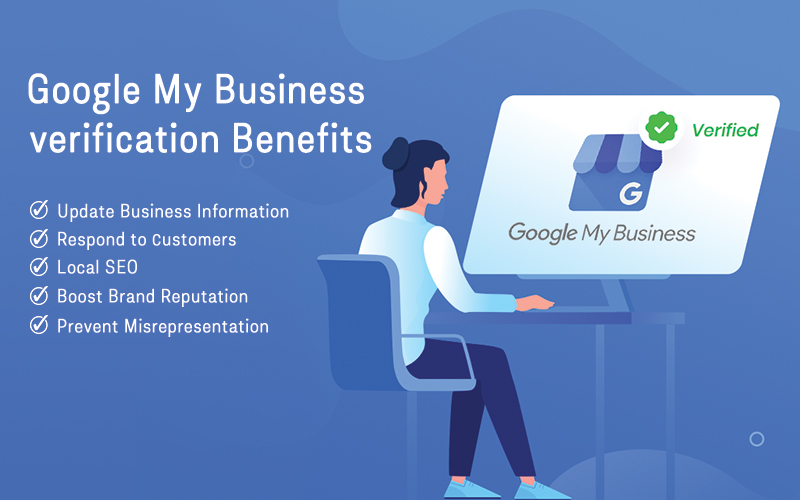
Higher Google Maps Rankings
Verified businesses rank better locally.
Increased Customer Trust
Customers trust verified profiles more.
Better Local SEO Performance
Verification improves visibility across Google Search and Maps.
More Calls & Leads
Verified businesses receive more engagement.
Access to Insights & Analytics
Google provides valuable customer behavior data.
Final Thoughts
Successful google business verification is essential for local SEO success. Without verification, businesses lose visibility, trust, and potential customers. By optimizing your profile, maintaining accurate business information, following Google guidelines, and fixing verification issues properly, your business can achieve stronger Google Maps rankings and better local growth.
Whether you are trying to learn how to verify my GMB profile, solve verification errors, or improve local visibility, the right strategy makes a huge difference.
Need Help With Google Business Profile Verification?
Our expert team helps businesses:
- Complete google business profile verification
- Fix verification issues
- Recover suspended profiles
- Improve Google Maps rankings
- Optimize local SEO performance
Our Services Include:
- GMB verification support
- Google Business Profile optimization
- Local SEO services
- Suspension recovery
- Google Maps ranking improvement
Contact us today to get your business verified and start growing your local visibility with expert GMB optimization services.
Frequently Asked Questions (FAQs)
- Video verification
- Phone
- Postcard
- Live video call
- Inconsistent information
- Poor video quality
- Policy violations
- Duplicate listings
- Business location
- Signage
- Equipment
- Ownership proof
- Employee-only access
- Google Maps visibility
- Reviews
- Local rankings
- Increased customer engagement
- Business edits
- Address changes
- Suspicious activity
- Avoid common mistakes
- Improve trust signals
- Complete verification faster