- What Are GBP Posts and Why Do They Matter?
- The Five Types of GBP Posts (and When to Use Each)
- What's New Posts
- Offer Posts
- Event Posts
- Product Posts
- Service Update Posts
- Building a Winning GMB Posts Strategy: The Core Framework
- 1. Post at Minimum Once Per Week
- 2. Write Keyword-Rich but Natural Descriptions
- 3. Always Include a CTA Button
- 4. Use High-Quality, Relevant Images on Every Post
- 5. Align Posts with Seasonal and Local Events
- How GBP Posts Directly Influence Local SEO Rankings
- 10 Proven GBP Post Content Ideas That Drive Real Results
- Common GBP Posts Mistakes That Hurt Your Profile
- Using Spammy or Keyword-Stuffed Language
- Ignoring Post Expiry
- Publishing Posts Without Images
- Mismatching CTA to Content
- How to Track GBP Post Performance
- GBP Posts Quick-Start Checklist
Google Business Profile Posts: How to Use Them to Get More Customers
Most local businesses spend months perfecting their Google Business Profile — nailing their categories, uploading photos, chasing reviews — and then completely ignore one of the most powerful conversion tools sitting right in front of them. GBP posts, Google's built-in content publishing feature, let you speak directly to high-intent searchers at the exact moment they are deciding where to spend their money. According to Google's own data, businesses that actively use Google Business updates receive significantly more direction requests and website clicks than those that leave their profile static. Yet industry surveys consistently show that fewer than 30% of local businesses post even once a month. That gap is your competitive opportunity — and this guide is going to show you exactly how to exploit it.
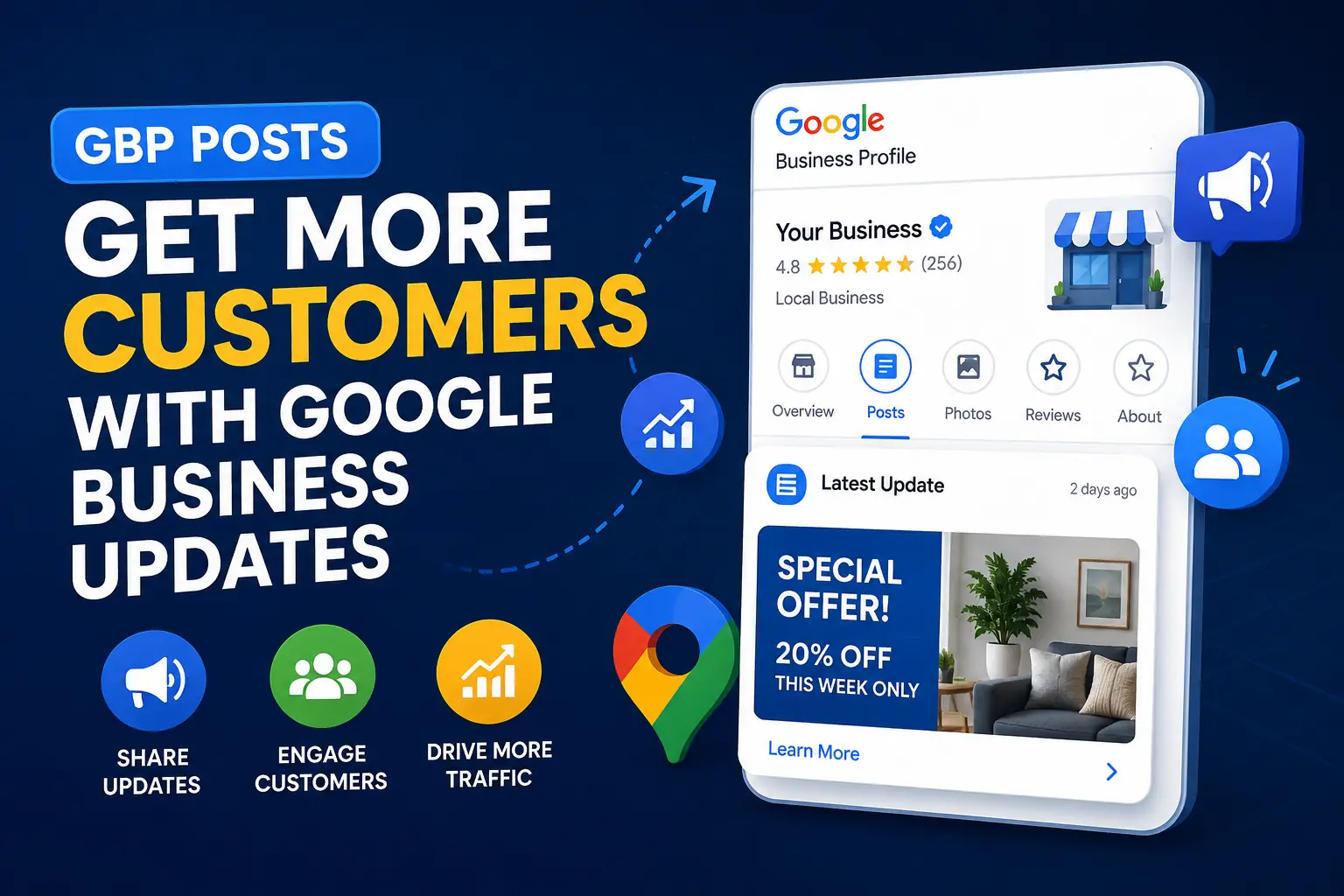 What Are GBP Posts and Why Do They Matter?
Google Business Profile posts are short-form content updates — similar in concept to a social media post — that appear directly on your GBP listing in Google Search and Google Maps. When someone searches for your business name or a relevant local keyword, your most recent posts can appear in the Knowledge Panel, in the "Updates" tab, and sometimes even in the local search carousel.
Unlike a tweet or an Instagram post that competes with an algorithm-driven feed, GBP posts appear to people who are already looking for what you offer. That is a fundamentally different — and more valuable — audience. A customer searching "Italian restaurant near me" and clicking on your listing is already warm. A well-timed post about tonight's pasta special or a limited-time offer can be the nudge that converts a browser into a booking.
From an SEO standpoint, consistent posting signals to Google that your business is active, engaged, and relevant — all factors that contribute to the Google Business Profile ranking algorithm, which weighs relevance, distance, and prominence when deciding which businesses to surface in local results.
The Five Types of GBP Posts (and When to Use Each)
Before you can build an effective GMB posts strategy, you need to understand what tools are available. Google currently offers five post types, each with a distinct purpose:
What's New Posts
These are general updates about your business — new products, staff milestones, blog content, operational changes, or anything newsworthy. They are your most flexible format and should form the backbone of your regular posting cadence. Use them at least once per week to keep your profile fresh.
Offer Posts
Offer posts allow you to publish a promotion with a defined start and end date, a discount code, and terms and conditions. They display a prominent "View Offer" badge that makes them visually distinct in search results. Research from BrightLocal found that promotional posts generate up to 2x more clicks than standard updates. Use these for seasonal sales, new customer discounts, or limited-time bundles.
Event Posts
If your business hosts workshops, webinars, open houses, pop-ups, or any time-bound experience, Event posts are essential. They include a title, date range, description, and CTA button. They remain visible until the event end date, giving you sustained exposure for time-sensitive engagements.
Product Posts
Product posts are tied directly to your Product Catalog within GBP. They highlight individual items with a photo, name, price range, and description. For retail, food service, and e-commerce-adjacent businesses, this is a highly underused format that effectively turns your Google listing into a mini-storefront.
Service Update Posts
Originally introduced for COVID-19 announcements, this format has evolved into a general-purpose channel for operational updates — changes to hours, new safety protocols, service area expansions, or anything that affects how customers interact with you day-to-day.
Building a Winning GMB Posts Strategy: The Core Framework
Random, sporadic posting produces random, sporadic results. A structured GMB posts strategy treats your GBP like a marketing channel — with a content calendar, defined objectives, and consistent measurement. Here is the framework we use at GMB Guru with our optimization clients:
1. Post at Minimum Once Per Week
Google's own guidelines encourage regular posting, and the platform's freshness signals reward it. Standard "What's New" posts expire after seven days in the Updates feed — meaning if you post on Monday and do nothing else, by next Monday your profile looks stale. Aim for a minimum of one post every 5–7 days, with promotional content layered in whenever relevant. For high-competition local markets, posting 3–4 times per week can produce measurable ranking improvements within 60–90 days.
2. Write Keyword-Rich but Natural Descriptions
Your post descriptions are indexed by Google. This is not speculation — it is documented behavior. Naturally weaving your primary local keywords into post copy (e.g., "Our Austin-based plumbing team now offers same-day emergency pipe repair") reinforces your topical and geographic relevance signals. Aim for 150–300 words per post. Anything shorter misses the keyword opportunity; anything longer risks losing readers before they reach your CTA button.
3. Always Include a CTA Button
Every post type except "What's New" supports a Call-to-Action button. Even "What's New" posts allow a link. Never publish a post without one. Available CTA options include: Book, Order Online, Buy, Learn More, Sign Up, Get Offer, and Call Now. Match the CTA to the intent of the post. A post about a weekend sale should say "Get Offer." A post about a free consultation should say "Book." Small choices like this measurably impact click-through rates.
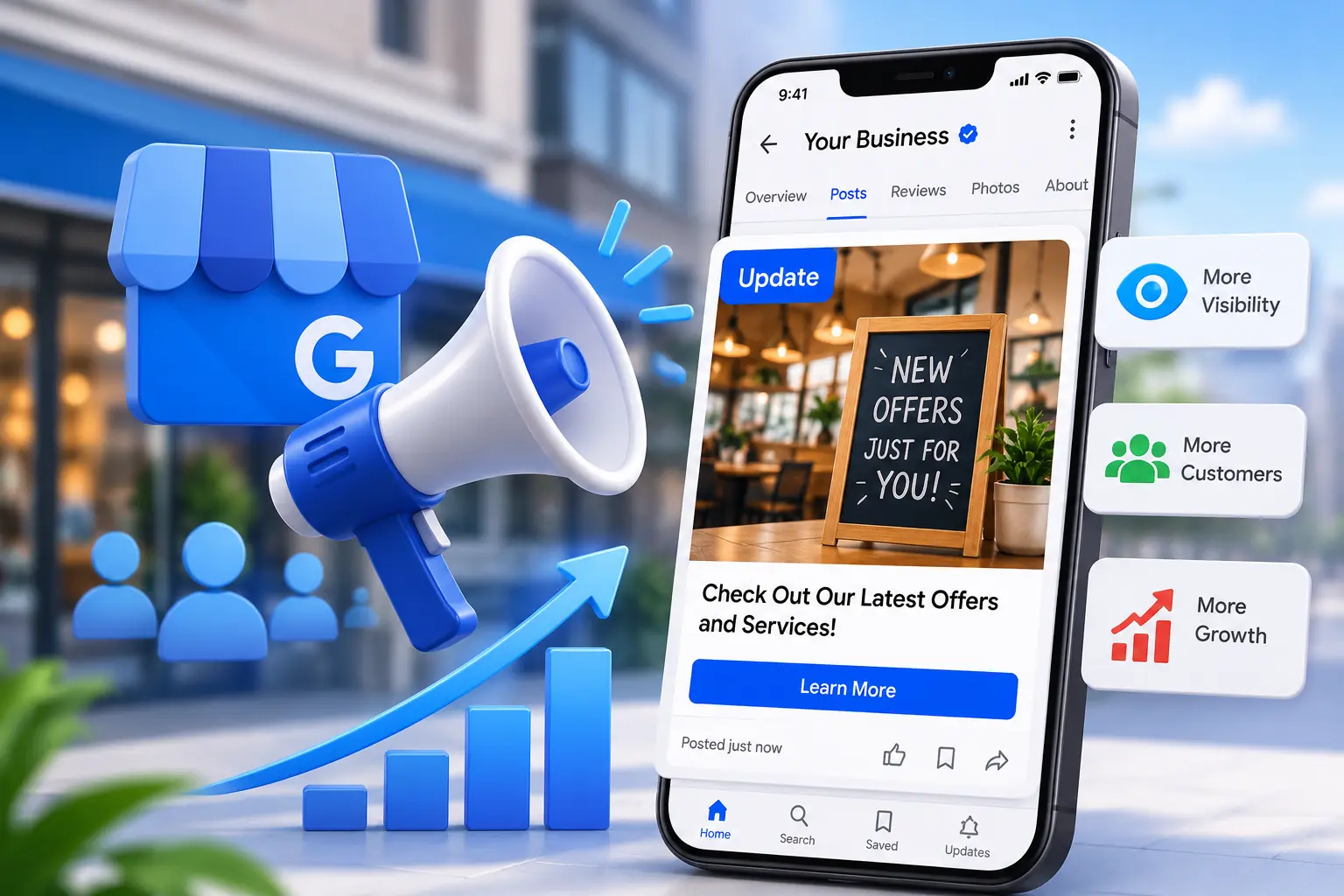
4. Use High-Quality, Relevant Images on Every Post
Posts with images receive dramatically higher engagement than text-only posts. Google recommends images of at least 720 x 540 pixels, but for best display quality in the Knowledge Panel, use 1200 x 900 pixels at a 4:3 ratio. Use real photos of your business, team, products, or results — not stock imagery. Authentic visuals build trust and improve click-through rates by as much as 35% compared to generic photos, according to conversion research from CXL Institute.
 5. Align Posts with Seasonal and Local Events
The businesses that see the biggest lift from Google Business updates are the ones treating the feature like a proper content marketing channel. Map your posting calendar to local events, national holidays, seasonal shifts, and industry-specific moments. A landscaping company should ramp up posts about spring cleanups in March and April. A tax preparation firm should post urgently in early April. A restaurant should leverage Valentine's Day, Mother's Day, and local festivals. Relevance is everything — and timeliness amplifies it.
How GBP Posts Directly Influence Local SEO Rankings
There is an ongoing debate in the local SEO community about exactly how much GBP posts affect rankings versus engagement metrics. Here is what we know with confidence based on accumulated evidence and testing:
- Activity signals matter: Google's ranking algorithm factors in how actively a business manages its profile. Regular posting is one of the clearest signals of an active, legitimate business.
- Keyword reinforcement: Post content that mentions your primary service keywords and city name reinforces your topical relevance without the risks associated with keyword-stuffing your business description.
- Engagement metrics feed rankings: When users click your post CTAs, view your offers, or click through to your website from a post, these engagement signals are interpreted as relevance indicators by Google's local algorithm.
- Posts keep users on your listing longer: Dwell time on your GBP listing — how long users spend engaging with your content before clicking away — is believed to be a soft ranking signal. Rich post content encourages longer engagement.
If you want to understand the full picture of how activity signals fit into your local visibility, the Google My Business optimization service framework covers exactly this — posts, categories, citations, reviews, and photos working together as a unified system.
For a broader view of all the signals that influence where you rank, our deep-dive guide on Google Maps ranking factors in 2026 is essential reading.
10 Proven GBP Post Content Ideas That Drive Real Results
Writer's block is the number one reason businesses stop posting consistently. Here are ten content angles you can rotate through indefinitely:
- New product or service announcement — describe the benefit, not just the feature
- Limited-time offer or seasonal discount — include specific savings amounts (e.g., "20% off all services booked before July 31")
- Before-and-after results — especially powerful for service businesses like cleaning, landscaping, auto repair, and aesthetics
- Customer success story or testimonial highlight — pull a specific quote from a five-star review and turn it into a post
- Behind-the-scenes content — your team in action, your production process, a day in the life
- FAQ post — answer one common customer question per post; this mirrors voice search behavior
- Local event participation — sponsor a local sports team? Attending a trade fair? Post about it
- Holiday hours or closures — set expectations, reduce customer frustration, and show you are attentive
- New team member introduction — humanizes your brand and builds community trust
- Award, certification, or milestone — third-party validation is powerful social proof
Common GBP Posts Mistakes That Hurt Your Profile
Just as important as what to do is what to avoid. These are the most common errors we see when auditing client profiles:
Using Spammy or Keyword-Stuffed Language
Posts like "Best plumber Austin TX plumbing services Austin best plumber 78701" will not rank better and can trigger a Google content policy review. Write for humans first. Keywords should appear naturally — once or twice per post at most.
Ignoring Post Expiry
Standard posts expire from the Updates feed after seven days, but they do not disappear entirely — they move to an archive that users can still access. The problem is that if you are not publishing fresh posts, your listing shows no recent activity. Set a weekly calendar reminder. Treat it like paying a bill — non-negotiable.
Publishing Posts Without Images
Text-only posts are virtually invisible in a visual search environment. Even a single, well-composed photo of your storefront, product, or team transforms a forgettable post into something that stops a scroll.
Mismatching CTA to Content
Putting a "Learn More" button on a post that is clearly a sale offer is a wasted opportunity. The CTA should match the natural next step a motivated reader would want to take.
For a full picture of what else might be working against your profile's performance, read our guide on why your Google Business Profile is losing customers in 2026.
How to Track GBP Post Performance
You cannot improve what you do not measure. Google provides native performance data inside your GBP dashboard under the "Performance" tab. Key metrics to monitor include:
- Post views: How many times your post appeared in search results or Maps
- Post clicks: How many users clicked your CTA button or post link
- Click-through rate (CTR): Divide clicks by views — a healthy benchmark for local posts is 3–8% CTR
- Direction requests and calls: While not directly attributable to a specific post, track whether these metrics trend upward during active posting periods
Review performance data monthly. Identify which post types and topics generate the highest CTR and double down on those formats. Over 90 days of consistent posting, patterns will emerge that tell you exactly what your specific audience responds to.
If your profile needs a complete audit before you can accurately benchmark post performance, the local SEO services audit process is a useful starting point for establishing a clean baseline.
GBP Posts Quick-Start Checklist
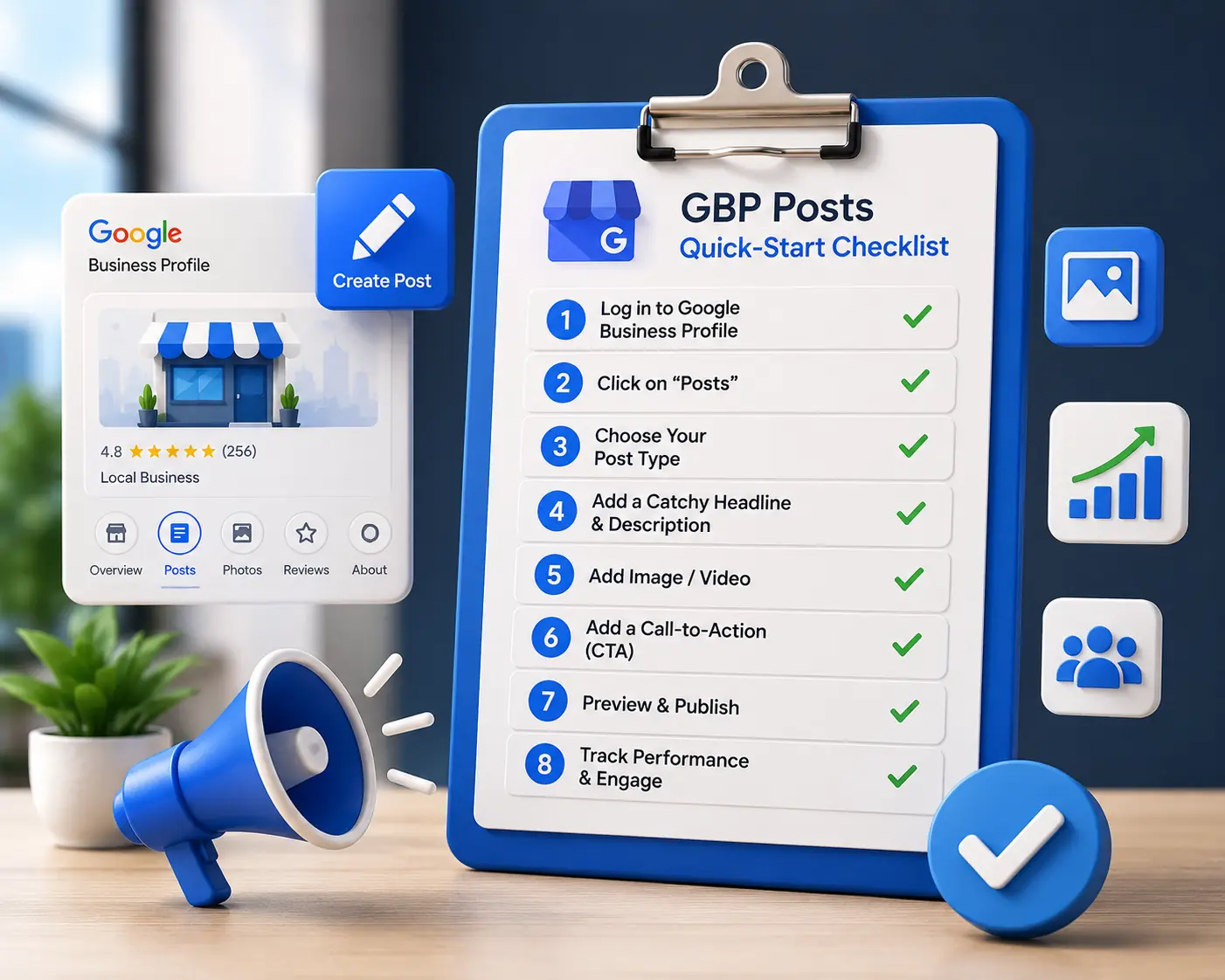 Use this checklist to launch or reset your GBP posts strategy today:
- ✅ Access your GBP dashboard at business.google.com and confirm posting is enabled for your profile
- ✅ Audit your existing posts — note which types were published, how recently, and whether they included images and CTAs
- ✅ Build a 30-day content calendar — plan at minimum 4 posts (one per week) using at least three different post types
- ✅ Gather 10–15 original photos to use across upcoming posts — real images only, no generic stock
- ✅ Write descriptions of 150–300 words that naturally include your primary service keyword and city/region
- ✅ Assign a CTA button to every post — match the button type to the post's intent
- ✅ Set a recurring weekly calendar reminder to publish and a monthly reminder to review performance data
- ✅ Test one Offer post with a specific discount amount and expiry date in the next 14 days
- ✅ Monitor your GBP Performance tab for post views and CTA clicks — compare month over month
- ✅ Align posts with upcoming local events, holidays, and seasonal service demands on a rolling quarterly basis