- Why GBP Verification Is Non-Negotiable for Local Visibility
- The 5 Google Business Profile Verification Methods Explained
- 1. Postcard Verification (Mail)
- 2. Phone Verification (Call or SMS)
- 3. Email Verification
- 4. Video Verification
- 5. Instant Verification
- Which Verification Method Is Right for Your Business?
- Match Your Situation to the Right Path
- Video Verification: What Google Is Actually Looking For
- How GMB Guru Handles Verification for Our Clients
- Our Step-by-Step Verification Process
- The Link Between Verification Errors and Profile Suspension
- After Verification: What Comes Next
- GBP Verification Readiness Checklist
- Ready to Get Verified — and Start Ranking?
Google Business Profile Verification Methods: Which One Is Right for You?
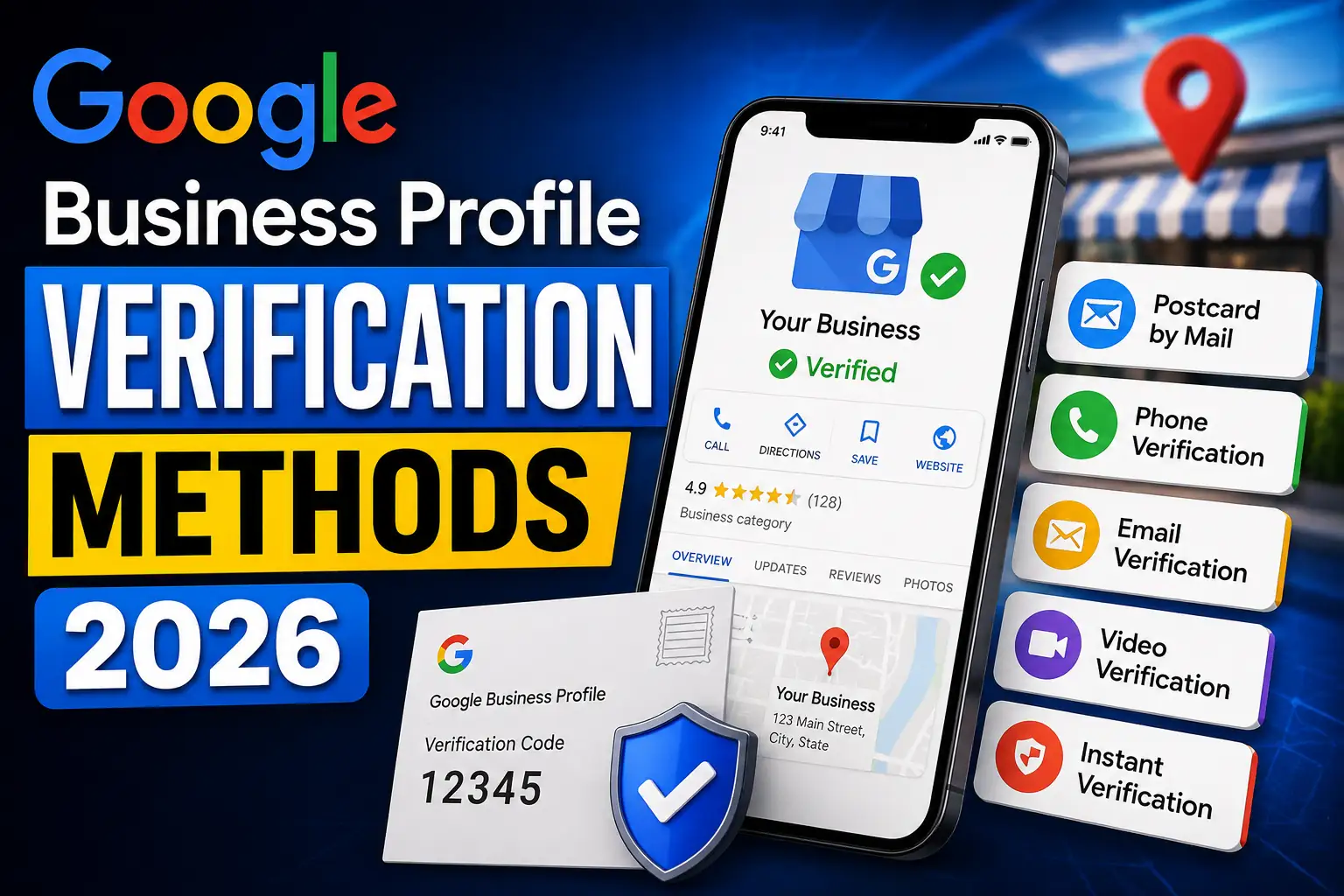 You've created your Google Business Profile, filled in your business name, address, phone number, and hours — and then Google stops you cold: "This listing must be verified before it goes live." For many business owners, this is where forward momentum dies. Verification sounds simple on paper, but the reality is that Google offers multiple verification methods, each with its own eligibility requirements, timelines, and failure points. Choose the wrong one — or attempt it without preparation — and you can find yourself waiting weeks, getting rejected, or worse, triggering a review that leads to suspension. At GMB Guru, we've helped hundreds of US businesses navigate every verification method Google offers, including the increasingly common (and notoriously finicky) video verification process. In this guide, we'll break down every available GBP verification method, explain who each one is right for, and show you exactly how our team handles the process to get our clients verified quickly and cleanly.
Why GBP Verification Is Non-Negotiable for Local Visibility
An unverified Google Business Profile is essentially invisible. It won't rank in Google Maps, it won't appear in the local 3-Pack, and customers searching for your services nearby simply won't find you. According to Google's own data, businesses with verified and complete profiles are 2.7 times more likely to be considered reputable by searchers — and 70% of them receive at least one Google Maps direction request per month.
But verification isn't just a formality. It's Google's way of confirming that a real, legitimate business operates at the address listed. This matters enormously for local SEO. A verified listing signals trust to Google's algorithm, which directly affects how prominently you appear in "near me" and geo-targeted searches. If you're serious about capturing local traffic, getting verified correctly — and fast — is step one. Everything else, from GBP optimization to review management, builds on top of a verified foundation.
The 5 Google Business Profile Verification Methods Explained
Google doesn't offer one universal verification path. The method you're offered depends on your business type, industry, location, and history with Google. Here's a complete breakdown of each option available as of 2026.
1. Postcard Verification (Mail)
The oldest and most widely known method. Google mails a physical postcard with a 5-digit verification code to your registered business address. You then enter that code in your GBP dashboard to confirm the listing.
- Delivery time: 5–14 business days (delays are common)
- Best for: Brick-and-mortar businesses with a stable physical address
- Common pitfalls: Postcards go missing, codes expire after 30 days, suite numbers or mail forwarding can cause delivery failures
- Pro tip: Do NOT make any edits to your business name, address, or category after requesting the postcard — this cancels the verification and restarts the clock
2. Phone Verification (Call or SMS)
Google calls or texts a verification code to the phone number on your listing. This is one of the fastest methods when it's available.
- Delivery time: Instant
- Best for: Service-area businesses and businesses with a publicly listed, verified phone number
- Common pitfalls: VoIP numbers are often ineligible; Google must be able to confirm the number is associated with your business
- Availability: Not offered to all business types — Google determines eligibility automatically
3. Email Verification
Google sends a verification link or code to the email address associated with your Google account or a business domain email. Like phone verification, this is fast when available.
- Delivery time: Instant to a few minutes
- Best for: Businesses that have already established domain authority with Google (e.g., Google Search Console verified domains)
- Common pitfalls: Using a generic Gmail address instead of a domain email reduces eligibility; spam filters can intercept the message
4. Video Verification
This is the method Google has been pushing most aggressively since 2023, and it's now the default method for many new listings. You record a continuous, unedited video that proves your business operates at the stated address. The video must show your business signage, the surrounding area, and proof of day-to-day operations (equipment, inventory, staff areas, etc.).
- Processing time: 3–5 business days after submission (can extend to 2 weeks)
- Best for: Any business Google has flagged for additional verification — increasingly that means most new listings
- Common pitfalls: Poor lighting, shaky camera work, missing signage, editing the video, or failing to show a clear connection between your listed address and business activity all lead to rejection
Video verification rejections are the #1 issue we handle for new clients. If you've been rejected, our GBP video verification service exists specifically to solve this problem. See also our detailed Google Business Profile Video Verification Guide for a full walkthrough.
5. Instant Verification
If your business website has already been verified through Google Search Console, and your GSC account is linked to the same Google account as your GBP, Google may verify your listing automatically — with no additional steps required.
- Delivery time: Immediate
- Best for: Established businesses with a verified domain in Search Console
- Common pitfalls: The GSC and GBP accounts must match exactly; this method is not available for all business categories
Which Verification Method Is Right for Your Business?
 Match Your Situation to the Right Path
Here's a practical decision framework our team uses when onboarding new clients:
- New storefront or office location? You'll likely be offered postcard or video verification. If you have consistent signage and a clearly marked entrance, video is often faster.
- Service-area business (plumber, HVAC, landscaper)? Video verification is almost certainly what Google will require. Phone verification may be offered as a secondary option.
- Established business with a verified website? Check whether instant verification is available via your Search Console account first — it's the quickest path.
- Franchise or multi-location business? Bulk verification through Google's Business Profile Manager is available for businesses with 10+ locations. Our team handles this process regularly for multi-location clients.
- Already tried one method and failed? Don't keep retrying the same path. A failed verification attempt — especially a rejected video — can put your listing under additional scrutiny. Get professional help before making it worse.
For a broader look at the listing creation and claiming process, our guide on how to claim your business on Google covers the full workflow from scratch.
Video Verification: What Google Is Actually Looking For
Because video verification is now the dominant method — and the one most likely to trip up business owners — it deserves extra attention. Google's review team is looking for three specific things in your verification video:
- Location proof: Street signage, building exterior, nearby landmarks, or a clearly visible address plaque that matches your GBP listing
- Business identity proof: Your business name on a sign, vehicle, uniform, or storefront window
- Operational proof: Evidence that the business is actively operating — this could mean showing inventory on shelves, a service vehicle stocked with equipment, a workspace set up for your trade, or branded materials in use
The video must be recorded in one continuous, unedited take using your phone camera. It cannot be a screen recording, and it should not be uploaded from stock footage or previously recorded material. Google's AI systems are sophisticated enough to detect editing artifacts, and a single suspicious cut can result in an instant rejection.
Common rejection reasons include: filming in low light, moving too fast between shots, failing to show a physical address connection, and using a home address without clear business signage. If you've received a rejection, read our breakdown of why GBP video verification gets rejected and how to fix it before resubmitting.
How GMB Guru Handles Verification for Our Clients
Verification is one of the most common reasons businesses come to us. Whether it's a brand-new listing that won't clear, a previously verified listing that's been flagged and needs re-verification, or a suspended profile that requires reinstatement, our team has a structured process that dramatically improves success rates.
Our Step-by-Step Verification Process
When a client comes to us with a verification challenge, here's what our process looks like:
- Profile audit: We review the existing listing for any NAP inconsistencies, category mismatches, or policy violations that could be causing Google to withhold verification. In over 40% of cases we review, there's a fixable profile issue that's blocking progress.
- Method selection: Based on the business type, address, industry, and account history, we identify the fastest and highest-probability verification path available.
- Video production guidance (or done-for-you): For video verification, we provide our clients with a detailed, shoot-ready script that specifies exactly what to film, in what order, for how long, and under what lighting conditions. For clients who want full-service support, our team can guide the recording process in real time via video call.
- Submission review: Before the video is submitted, our team reviews it against Google's current acceptance criteria. We do not let a client submit a video we believe will be rejected.
- Follow-up and escalation: If verification is delayed beyond expected timelines, we know how and when to escalate through Google's business support channels — a process that most business owners don't know exists.
Our dedicated video verification service is specifically designed for businesses that have been stuck in the verification loop — or want to get it right on the first try. And if your listing has crossed from a verification hold into a full suspension, our GBP suspension recovery service handles reinstatement as well.
The Link Between Verification Errors and Profile Suspension
Here's something most business owners don't realize: repeated failed verification attempts, or submitting misleading information during the verification process, can escalate from a simple delay into a hard suspension. Once a listing is suspended, you lose all visibility on Google Maps and Search, and recovery requires a formal reinstatement appeal — a process that can take weeks and requires supporting documentation.
We've seen this pattern repeatedly: a business owner tries to verify with a virtual office address, Google flags it, they try again with slightly different information, and the inconsistency triggers a suspension. If you're in this situation, our suspended GBP service outlines exactly how we approach recovery.
The safest rule: if your first verification attempt doesn't succeed, stop and consult an expert before trying again. Our GMB help and support service exists precisely for these moments.
After Verification: What Comes Next
Verification is the starting line, not the finish line. Once your listing is live, Google's ranking algorithm evaluates dozens of signals to determine where you appear in local search results — and a freshly verified listing with no optimization is unlikely to rank competitively for anything meaningful.
Post-verification priorities include:
- Completing every section of your profile (business description, services, attributes, hours)
- Uploading high-quality photos (businesses with 100+ photos get 520% more calls than the average listing)
- Selecting precise primary and secondary categories
- Publishing your first GBP post within 48 hours of going live
- Starting your review acquisition strategy
Our complete guide on how to optimize your Google Business Profile in 2026 covers all of this in depth. For clients who want us to handle optimization end-to-end after verification, our Google Business Profile optimization service is the natural next step.
GBP Verification Readiness Checklist
Before you attempt any verification method, run through this checklist to maximize your chances of success on the first try:
- ✅ Business name matches exactly what appears on signage, website, and legal documents
- ✅ Address is a real, staffed physical location (not a virtual office or UPS Store)
- ✅ Phone number is a direct business line (not a VoIP or call-forwarding number without a local area code)
- ✅ Business category accurately reflects your primary service
- ✅ Google account used for GBP is the same as your Search Console account (for instant verification eligibility)
- ✅ If using video: signage is visible and legible, lighting is good, video is filmed in one continuous take
- ✅ No duplicate listings exist for the same address
- ✅ Website URL on the listing loads correctly and contains consistent NAP information
Ready to Get Verified — and Start Ranking?
GBP verification seems straightforward until it isn't. Between changing eligibility rules, increasingly strict video requirements, the risk of triggering a suspension, and the time cost of failed attempts, there's a very real business case for getting expert help from the start. At GMB Guru, verification is one of our core specialties — not a side service. We work exclusively with Google Business Profiles, which means our team is up to date on every nuance of how Google's current verification systems work, what causes rejections, and how to resolve them efficiently.
Whether you're verifying a brand-new listing, re-verifying after a change of ownership, recovering from a suspension, or managing verification across multiple locations — we have a service built for your exact situation. Our clients don't spend weeks waiting on postcards that never arrive or resubmitting videos that keep getting rejected. They get verified, go live, and start generating local search traffic while their competitors are still stuck in Google's queue.
If you're ready to stop guessing and start getting results, talk to our team at GMB Guru. We'll assess your situation, identify the fastest verification path available to you, and handle the process from start to finish.