- ⚠️ Important: AI Assists, You Approve
- Why Automate Google My Business Management?
- What Can Gemini AI Do for Your Google Business Profile?
- 1. Writing Business Descriptions
- 2. Creating Google Posts
- 3. Replying to Reviews
- 4. Preparing QandA and FAQs
- 5. Keyword and Service Ideas
- 6. Analyzing Performance Data
- What Gemini Cannot Do
- Google Business Profile Manager: Understand the Roles First
- How to Add a Manager to Your Profile
- Step-by-Step: Automate Google My Business Management with Gemini AI
- Step 1: Complete the Basics Manually
- Step 2: Create a Business Context Prompt
- Step 3: Generate Your Business Description
- Step 4: Plan a Month of Google Posts
- Step 5: Draft Review Replies
- Step 6: Build Your FAQ List
- Step 7: Review Performance Monthly
- How to Manage Your Business on Google Maps More Efficiently
- Google Business Profile Optimization with Gemini AI
- Business Name
- Categories and Services
- Description
- Photos
- Reviews
- Posts and Updates
- Advanced: Connect Gemini to Your Workflow
- 🚫 Critical: What NOT To Do When Automating GMB
- Common Mistakes Business Owners Make
- 1. Using Generic Prompts
- 2. Ignoring Local Details
- 3. Over-Automating Reviews
- 4. Forgetting the Basics
- Best Practices for Long-Term Success
- 💡 Pro Tip: Build a Prompt Library
- Conclusion

If you run a local business, you already know how time-consuming Google My Business management Service can be. Replying to reviews, writing posts, updating hours, answering questions and tracking performance can easily eat up hours every week, and most business owners simply do not have that time.
The good news is that you no longer have to do everything by hand. In this guide, we explain how to automate Google My Business management with Gemini AI, how to use it as a smart assistant for your Google Business Profile, and how to manage your business on Google Maps faster without losing the personal touch that customers trust.
⚠️ Important: AI Assists, You Approve
Gemini AI is a powerful assistant, but it should never replace your final review. Always check every post, review reply and description for accuracy before it goes live. Google can flag spammy or misleading content, so keep everything honest, specific and written for real customers.
Why Automate Google My Business Management?
A complete, active profile is one of the strongest signals for local visibility. But keeping it active is a never-ending job. Automation helps you in four main ways:
- Saves time: Drafting a post or review reply takes seconds instead of 15 to 20 minutes.
- Keeps you consistent: Regular posts and fast replies tell Google and customers that your business is active.
- Reduces mistakes: Templates and repeatable prompts keep your tone, details and NAP information consistent.
- Scales easily: Whether you manage one location or twenty, the same workflow can be reused.
This is exactly why more owners and agencies are building an AI-assisted workflow for Google Business Profile optimization instead of doing everything manually.
What Can Gemini AI Do for Your Google Business Profile?
Gemini is Google's AI assistant, and it is very good at language-heavy tasks, which is most of what Google My Business management involves. Here is where it helps the most.
1. Writing Business Descriptions
Your description has a 750-character limit, and it needs to explain what you do, who you serve and where. Gemini can give you several versions in seconds, which you can then edit and pick the best one.
2. Creating Google Posts
Updates, offers and event posts keep your profile fresh. Gemini can turn a single idea (like a seasonal discount) into multiple post variations with different tones and calls to action.
3. Replying to Reviews
Gemini can draft polite, personalized replies for positive and negative reviews. You only need to add the real details and approve the final text.
4. Preparing Q&A and FAQs
It can help you list the questions customers ask most often, so you can answer them clearly on your profile and website.
5. Keyword and Service Ideas
Gemini can suggest service names, categories and keyword ideas based on your business type and city, which supports your overall local SEO.
6. Analyzing Performance Data
Paste your monthly insights (calls, direction requests, searches) into Gemini and ask for a simple summary with next steps.
What Gemini Cannot Do
It is important to be realistic. Gemini cannot verify your business, fix a suspension or guarantee rankings. It also may not publish directly to your profile on its own, so you will either paste its output into your dashboard or use a scheduling tool or API-based workflow for publishing. Treat it as a very fast writer and analyst, not as an autopilot.
Google Business Profile Manager: Understand the Roles First
Before automating anything, you need to know who can do what. When people search for a Google Business Profile manager, they usually mean one of two things: the role inside your profile or the person or agency who handles it for you.
A Google profile business manager role is one of several user levels:
- Primary Owner: Full control, can add and remove users and delete the profile.
- Owner: Full control, but cannot remove the primary owner.
- Manager: Can edit information, reply to reviews and create posts, but cannot delete the profile or manage owners.
- Site Manager: Limited access, suitable for staff who only need to handle day-to-day tasks.
How to Add a Manager to Your Profile
- Search for your business name on Google while signed in, or open your Business Profile dashboard.
- Open the three-dot menu and choose Business Profile settings.
- Click People and access, then Add.
- Enter the person's email address and choose the role.
- Click Invite. The person must accept the invitation.
Tip: Never share your own Google password. Always add people through the official access settings so you can remove them anytime.
Step-by-Step: Automate Google My Business Management with Gemini AI
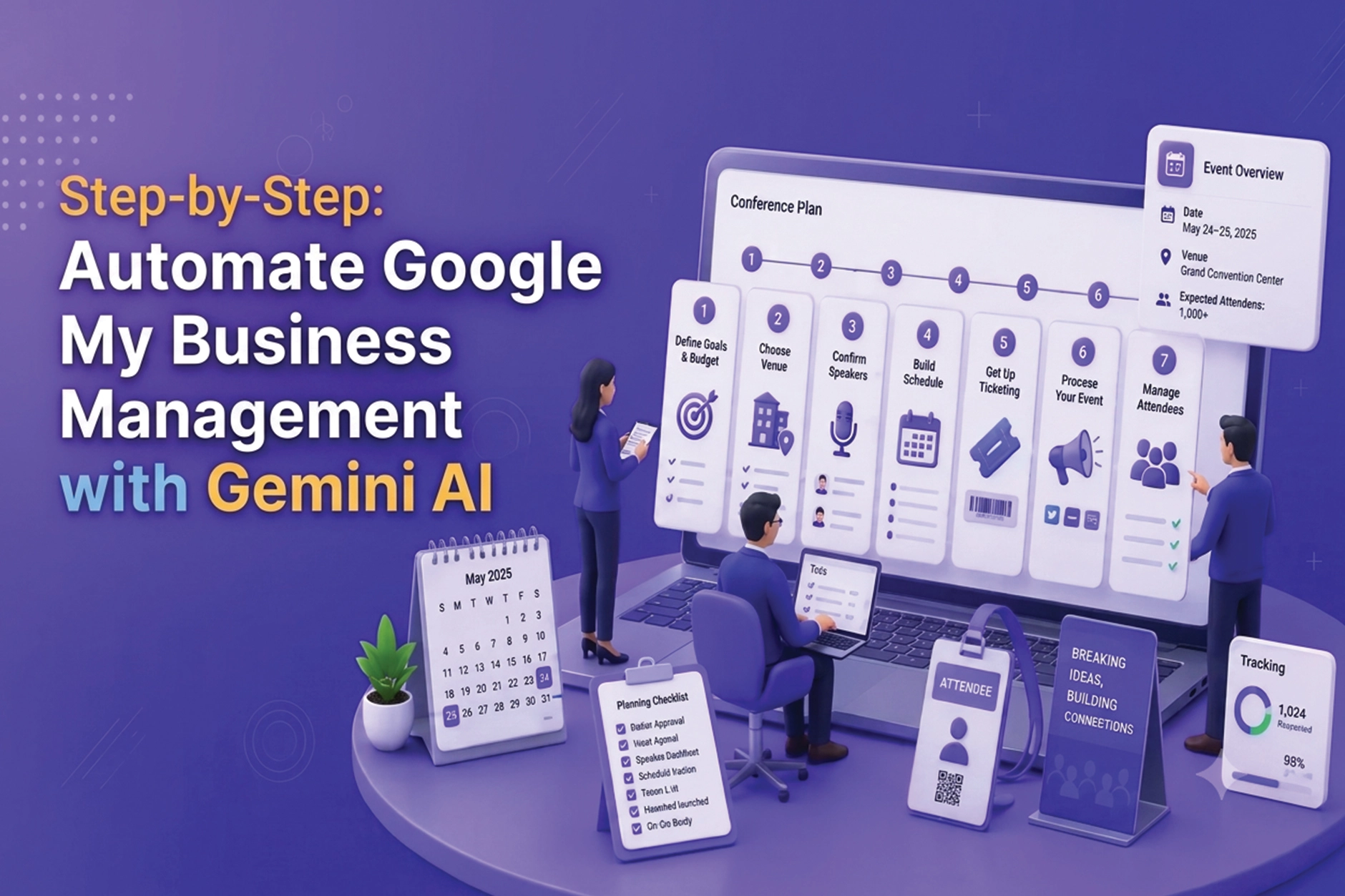
Here is a simple workflow you can start using today.
Step 1: Complete the Basics Manually
Before using any AI, make sure your profile is verified and the core details are correct: business name, address, phone number, hours, primary category and website. AI can improve a good profile, but it cannot fix wrong information. Always follow Google's Business Profile guidelines when you edit these details.
Step 2: Create a Business Context Prompt
Gemini works best when it knows your business. Write one reusable block of information and paste it at the start of every task:
My business is [Business Name], a [type of business] in [City, State]. We offer [services]. Our customers are [audience]. Our tone is [friendly/professional]. Do not exaggerate or make claims we cannot prove.
Saving this block saves time and keeps your content consistent.
Step 3: Generate Your Business Description
Use this prompt:
Using the business details above, write three versions of a Google Business Profile description under 750 characters. Include our main services and city naturally. Do not use all caps, phone numbers or links.
Pick the best version, edit it and add it to your profile.
Step 4: Plan a Month of Google Posts
Create a 4-week Google Posts plan for [business type]. Each week should have one post idea, a 60 to 100 word draft and a call to action such as Call Now or Learn More.
This gives you a content calendar in one go. Add real photos and accurate offer details before publishing.
Step 5: Draft Review Replies
Write a short, warm reply to this 5-star review: [paste review]. Mention the service they received and thank them by name.
For negative reviews:
Write a calm, professional reply to this 2-star review: [paste review]. Apologize for the experience, avoid arguing and invite them to contact us offline.
Always read the reply before posting. A generic reply is easy to spot and can hurt trust.
Step 6: Build Your FAQ List
List 10 questions customers commonly ask a [business type] in [city], with short, helpful answers.
Use these for your profile Q&A, website FAQ section and customer support scripts.
Step 7: Review Performance Monthly
Export or copy your profile insights and ask:
Here are my Google Business Profile stats for this month: [data]. Summarize what improved, what dropped and give 3 actions for next month.
This turns raw numbers into a clear action plan.
How to Manage Your Business on Google Maps More Efficiently
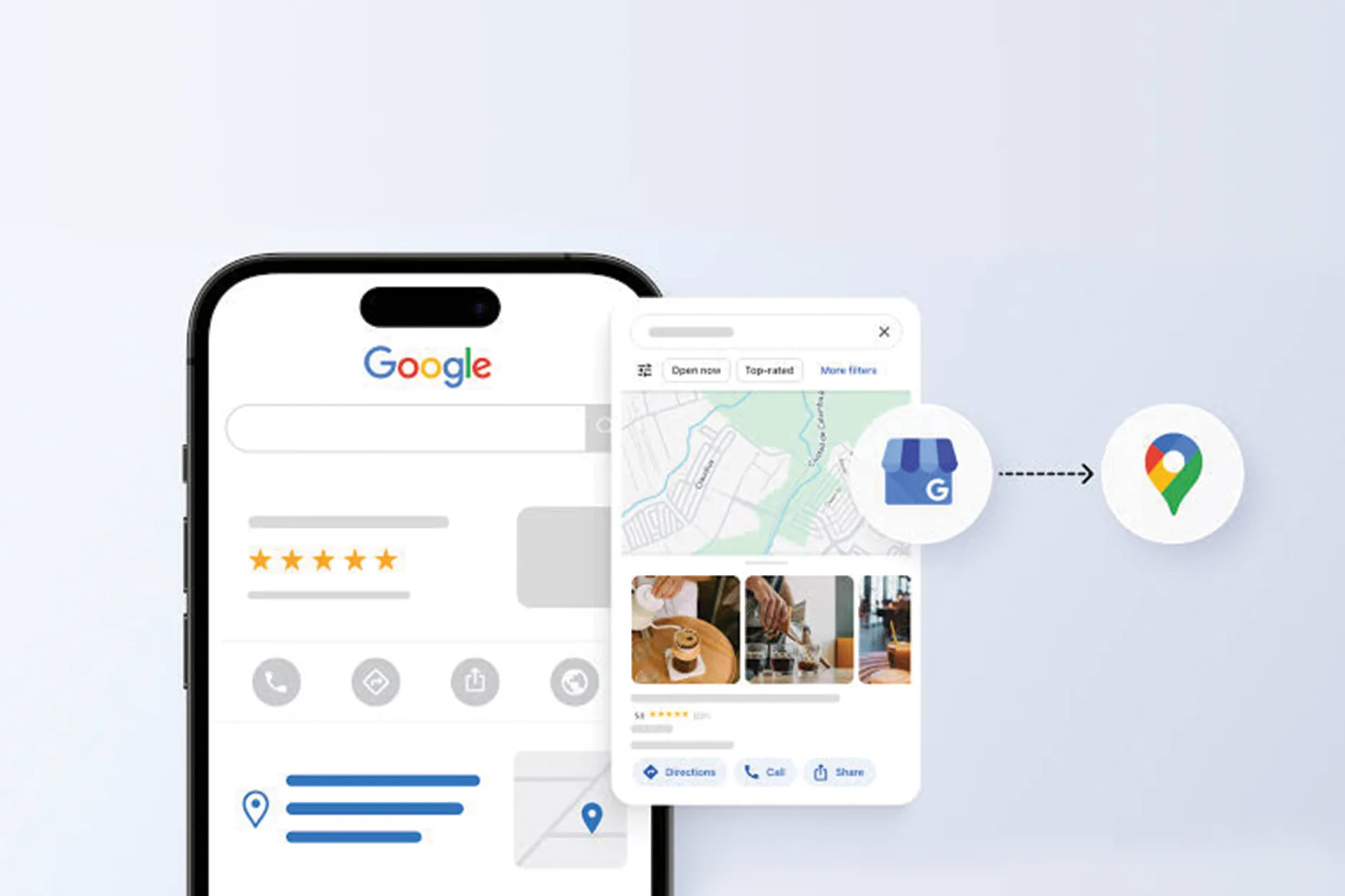
When customers search nearby, they usually see your listing on Google Maps first. To manage your business on Google Maps properly, build a short routine around the tasks AI can speed up:
- Daily (5 minutes): Check for new reviews and messages, and draft replies with Gemini.
- Weekly (15 minutes): Publish one post and upload two to three real photos.
- Monthly (30 minutes): Review insights, update services or hours, and refresh your description if needed.
- Quarterly: Audit your NAP details and categories across your website and directories.
This is the core of effective Google My Business management: small, consistent actions instead of occasional big efforts. For stronger visibility, add Google Maps SEO to this routine.
Google Business Profile Optimization with Gemini AI
Optimization is where AI saves the most time. Use Gemini as a checklist partner for each area of your profile.
Business Name
Use your exact real-world name. Do not let AI add keywords or locations to it, because that is a common policy violation and suspension trigger.
Categories and Services
Ask Gemini to suggest service names and description lines based on your primary category. Then choose only what you really offer.
Description
Include your main service, area served and what makes you different. Keep it natural and informative, not stuffed with keywords.
Photos
Gemini can suggest photo ideas (team, storefront, work in progress, before and after) and write helpful captions or alt text for your website. Always upload real photos, not AI-generated images of your business.
Reviews
Ask Gemini to write a polite review request message you can send by SMS or email. Never offer rewards in exchange for reviews or write fake ones.
Posts and Updates
Post regularly with offers, news and events. Fresh activity shows customers that your business is open and active.
Advanced: Connect Gemini to Your Workflow
If you manage multiple locations or run an agency, you can go beyond copy and paste:
- Google Sheets: Keep a content calendar, and use Gemini inside Google Workspace to draft text in bulk.
- Google Business Profile APIs: Developers can combine the Gemini API with Business Profile APIs to read reviews and prepare reply drafts or post suggestions.
- Approval step: Even in an automated setup, keep a human approval step before anything is published.
The goal is not to remove people from the process. It is to remove repetitive work so people can focus on customers.
🚫 Critical: What NOT To Do When Automating GMB
- Do NOT publish AI text without reading it. Mistakes in hours, prices or services can mislead customers.
- Do NOT post the same text repeatedly or across multiple locations without changes. Duplicate content looks spammy.
- Do NOT use AI to create fake reviews or reply to reviews with false claims.
- Do NOT add keywords to your business name because an AI suggested it.
- Do NOT share your Google account password with any tool. Use proper manager access.
- Do NOT make many rapid edits to your profile in a single day, as it can trigger a review.
Common Mistakes Business Owners Make
1. Using Generic Prompts
A prompt like writing a post gives generic results. Always include your business type, city, service and tone.
2. Ignoring Local Details
Customers respond to local references such as neighborhood names, landmarks and seasonal needs. Add these yourself after the AI draft.
3. Over-Automating Reviews
Customers can tell when every reply looks the same. Add at least one personal detail to each response.
4. Forgetting the Basics
No amount of AI can make up for a wrong address, missing hours or unverified profile. Fix the foundations first.
Best Practices for Long-Term Success
- Keep your business information consistent across your website, profile and directories.
- Respond to every review, positive and negative, within 48 hours.
- Publish at least two to four posts per month.
- Upload fresh, real photos regularly.
- Review your profile settings and user access every month.
- Save your prompts in a document so your whole team can reuse them.
- Complete video verification when Google asks for it, and keep your business documents ready.
💡 Pro Tip: Build a Prompt Library
Create a simple document with your best prompts for descriptions, posts, review replies, FAQs and monthly reports. Update it whenever a prompt works well. In a few weeks, your Google My Business management will take a fraction of the time it takes today.
Conclusion
Automating Google My Business management with Gemini AI is not about letting a machine run your business. It is about using a fast, capable assistant for the repetitive parts, such as writing, planning and analyzing, while you stay in control of accuracy and customer relationships.
Start small: set up your manager access, create your business context prompt, plan a month of posts and draft your next review replies with Gemini. Then keep refining your process as you see results. With a steady routine, you can manage your business on Google Maps, strengthen your Google Business Profile optimization and keep your listing active without spending hours every week.
If you would rather have experts handle it, certified team can manage, optimize and protect your profile for you. Contact us to get started.