- What Is the Google Business Profile Booking Feature?
- Why GBP Booking Matters for Local Businesses in 2026
- How Reserve with Google Works: The Technical Picture
- Supported Scheduling Partners
- The Customer Booking Flow
- How to Set Up GBP Booking: Step-by-Step
- Step 1: Verify Your Profile Is Claimed and Verified
- Step 2: Choose an Approved Reserve with Google Partner
- Step 3: Connect Your Scheduling Platform to GBP
- Step 4: Configure Your Services and Availability
- Step 5: Verify the Button Is Live on Your Profile
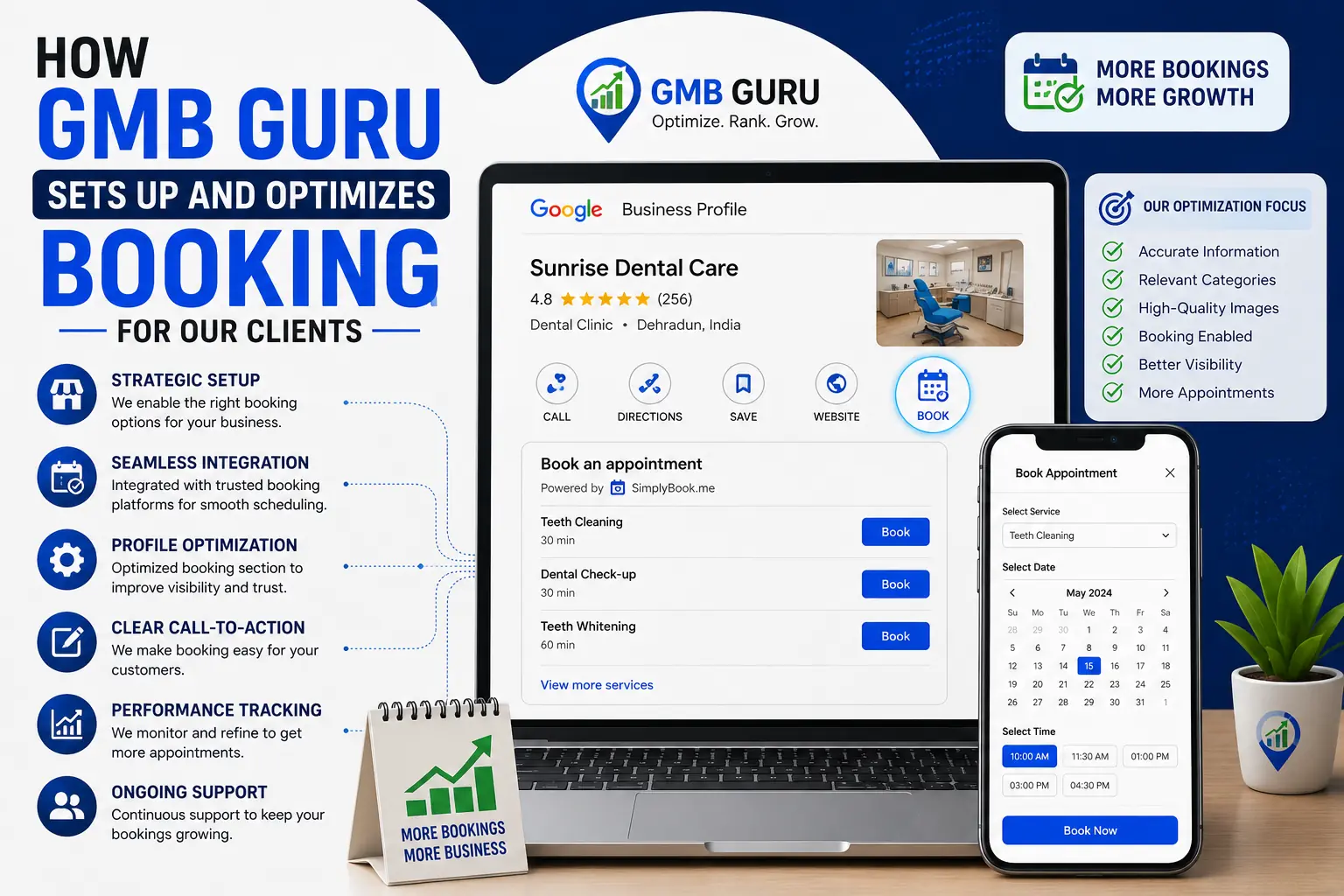
- How GMB Guru Sets Up and Optimizes Booking for Our Clients
- Our Booking Integration Process
- Results Our Clients See After Enabling Booking
- Optimizing Your GBP Booking Setup for Maximum Conversions
- Write Conversion-Focused Service Descriptions
- Pair Booking with Strong Profile Photos
- Use GBP Posts to Drive Booking Traffic
- Leverage Reviews to Build Booking Confidence
- Optimize for Mobile Searchers
- Common GBP Booking Mistakes (and How to Avoid Them)
- Which Business Types Benefit Most from GBP Booking?
- GBP Booking Quick-Setup Checklist
- Ready to Turn Your Google Profile Into an Appointment Engine?
Google Business Profile Booking Feature: How to Set It Up and Get More Appointments
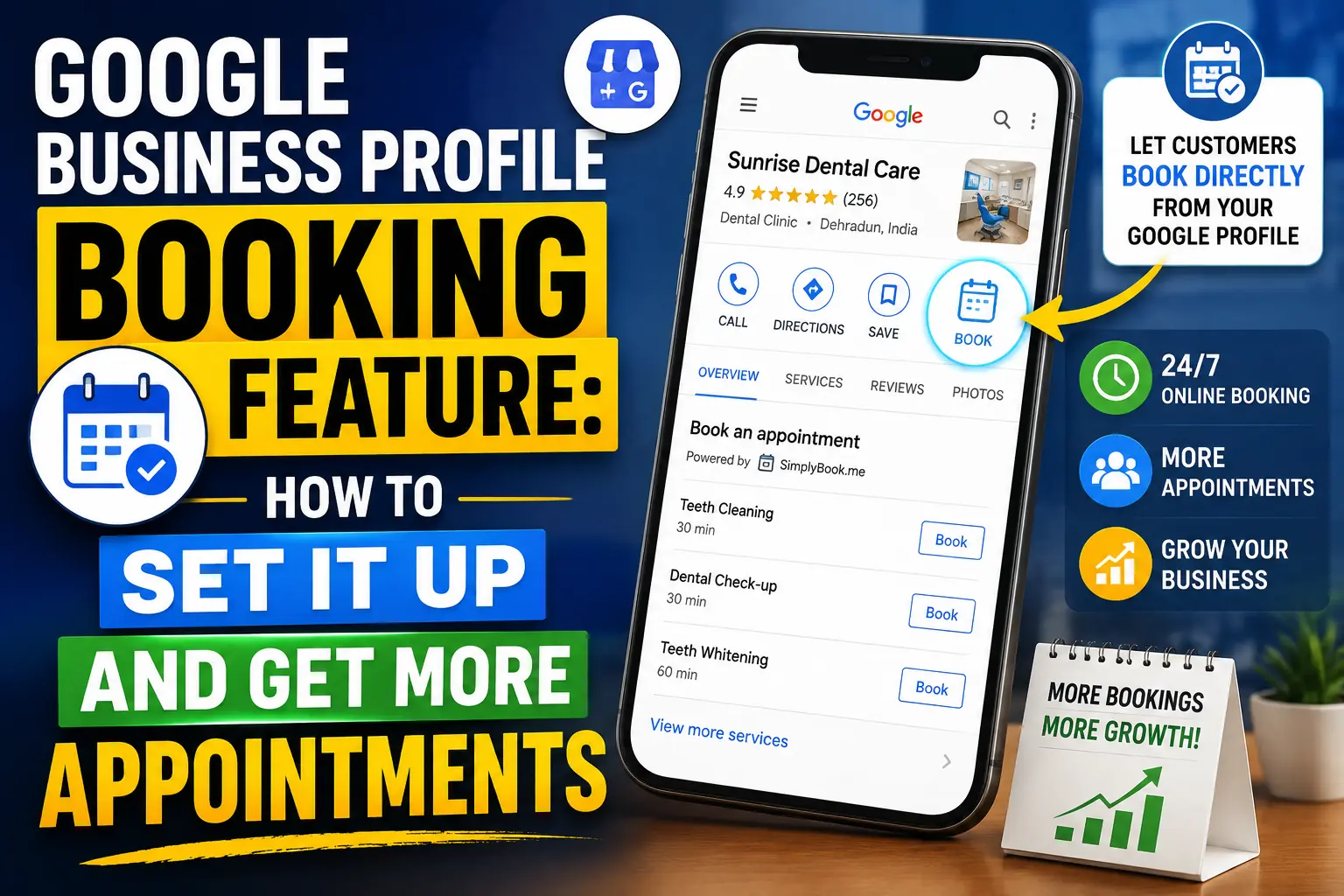 If your business runs on appointments — whether you're a med spa in Phoenix, a law firm in Chicago, or a hair salon in Austin — every day without a direct booking button on your Google Business Profile is a day you're leaving money on the table. Potential customers search for your services, find your listing, and then hit a wall: no easy way to book. They click away, find a competitor who does have a booking link, and you never hear from them again. The Google Business Profile booking feature — powered by Reserve with Google — exists precisely to close that gap. When set up correctly, it turns your GBP listing into a 24/7 appointment machine, capturing leads even while you sleep. In this guide, we'll walk you through exactly how to set it up, how to optimize it for maximum conversions, and how our team at GMB Guru implements this feature for clients who want results — not just a checkbox.
What Is the Google Business Profile Booking Feature?
The Google Business Profile booking feature allows customers to schedule appointments directly from your Google Search or Google Maps listing — without ever visiting your website. When enabled, a prominent "Book" or "Reserve" button appears on your profile, making it frictionless for high-intent searchers to become confirmed appointments in seconds.
This feature is powered by Reserve with Google (also called "Google Booking"), a platform that integrates with third-party scheduling software to sync your real-time availability. It's available across hundreds of business categories including healthcare, beauty, fitness, legal services, home services, and more. According to Google's own data, businesses with booking enabled on their profiles see measurably higher customer engagement rates compared to those without — and in competitive local markets, that edge can be the difference between a fully booked week and a quiet one.
Think of it this way: your Google Business Profile is already your most visible local storefront. The booking feature turns that storefront into a sales counter.
Why GBP Booking Matters for Local Businesses in 2026
Consumer behavior has shifted decisively. People want to book services the same way they order food — instantly, without friction, and from whatever device they're holding. Consider these realities:
- 76% of people who search for something nearby on their smartphone visit a related business within a day (Google/Ipsos data).
- Listings with a direct booking button generate significantly higher click-through rates than those with only a phone number or website link.
- Mobile searches for "book appointment" have grown over 60% in the past three years.
- Customers who book online are less likely to no-show because the process creates commitment through confirmation emails and reminders.
If you're running a service-based business and your GBP listing doesn't have a booking option, you're essentially asking a hungry customer to call a restaurant to check if they have tables — when every other restaurant on the block is taking online reservations. It's a conversion killer.
For a broader look at how your entire GBP profile should be optimized to attract and convert customers, check out our guide on how to optimize your Google Business Profile in 2026.
How Reserve with Google Works: The Technical Picture
Reserve with Google is not a standalone booking system — it's an integration layer. Here's how the ecosystem works:
Supported Scheduling Partners
Google works with a network of approved scheduling software providers — called Reserve with Google partners. These include popular platforms such as:
- Acuity Scheduling
- Booksy
- Square Appointments
- Vagaro
- Fresha
- Mindbody
- Setmore
- Jane App (for health practitioners)
- SimplePractice
- Zocdoc (for medical providers)
When you connect one of these platforms to your GBP, your real-time calendar availability syncs automatically. Customers can see open slots, pick a time, and confirm — all without picking up the phone or leaving Google.
The Customer Booking Flow
From the customer's perspective, the experience looks like this:
- They search "hair salon near me" or your business name on Google.
- Your listing appears with a visible "Book" button in the action bar.
- They click the button, see available time slots pulled from your scheduling platform.
- They select a service, pick a time, enter their details, and confirm.
- Both parties receive automated confirmation and reminders.
The entire process takes under two minutes. That speed and simplicity is what drives conversions.
How to Set Up GBP Booking: Step-by-Step
Setting up the booking feature requires a few moving parts. Here's a clean walkthrough:
Step 1: Verify Your Profile Is Claimed and Verified
You cannot enable booking on an unverified GBP listing. If your profile is not yet verified, that's the first priority. Our team handles Google Business Profile video verification for businesses that are stuck in the verification process.
Step 2: Choose an Approved Reserve with Google Partner
Visit Google's official Reserve with Google partner directory to see the full list of supported scheduling providers. Choose one that fits your business type and budget. Most partners offer a free tier or trial period.
Step 3: Connect Your Scheduling Platform to GBP
Once you have an account with a supported partner:
- Log into your Google Business Profile Manager at business.google.com.
- Navigate to the "Bookings" tab in the left-hand menu.
- Click "Get started" and select your scheduling provider from the list.
- Follow the OAuth prompts to authorize the connection between your scheduling software and Google.
- Set up your services, durations, and pricing within your scheduling platform — these will sync to Google automatically.
Step 4: Configure Your Services and Availability
Within your scheduling platform, make sure you:
- List every bookable service clearly with accurate duration and pricing.
- Set your real working hours and buffer times between appointments.
- Enable confirmation emails and reminder messages for booked customers.
- Add staff members or resources if applicable (for multi-provider businesses).
Step 5: Verify the Button Is Live on Your Profile
After connecting, search for your business on Google and confirm the "Book" button appears in your listing's action bar. It can take 24–72 hours to populate after the initial setup. If it doesn't appear, the most common culprits are category mismatch, an incomplete scheduling setup, or a verification issue with your GBP listing.
How GMB Guru Sets Up and Optimizes Booking for Our Clients
 Our Booking Integration Process
At GMB Guru, we don't just flip a switch and call it done. When we set up GBP booking for a client, it's part of a broader Google Business Profile optimization strategy designed to maximize conversions at every touchpoint. Here's what our process actually looks like:
- Platform audit: We first assess what scheduling software the client is already using — or recommend the best Reserve with Google partner for their specific business category and size.
- Service mapping: We work with the client to ensure every bookable service is listed correctly, with the right duration, pricing, and description. Vague or incomplete service names kill bookings.
- Category alignment: We verify that the client's GBP primary category supports the booking feature. If there's a mismatch, we fix it as part of our optimization work.
- Integration and testing: We complete the OAuth connection, run test bookings end-to-end, and confirm the "Book" button is live and functional on both desktop and mobile search results.
- Confirmation flow optimization: We make sure the post-booking experience — confirmation emails, reminders, cancellation policies — is set up to reduce no-shows and build trust.
Our clients don't spend hours troubleshooting API connections or reading Google's ever-changing documentation. We handle it so they can focus on serving the customers who show up.
Results Our Clients See After Enabling Booking
The impact of enabling GBP booking — done correctly — is measurable within the first 30 days. Our clients in the beauty, wellness, and home services spaces have reported:
- 25–40% increase in appointment volume from Google Search alone after activating the booking button.
- A noticeable drop in missed opportunities during off-hours, since customers can now book at 11pm for a Saturday appointment.
- Reduced phone call volume for routine scheduling, freeing staff to focus on in-person service quality.
- Higher show rates due to automated reminder sequences built into their scheduling platform.
These aren't abstract numbers — they represent real revenue for the service businesses we work with every day.
Optimizing Your GBP Booking Setup for Maximum Conversions
Getting the "Book" button live is step one. Getting it to perform is step two. Here are the optimization levers that actually move the needle:
Write Conversion-Focused Service Descriptions
Don't just list "60-Minute Massage." Write "60-Minute Deep Tissue Massage — targets chronic tension in the back, shoulders, and neck. Perfect for desk workers and athletes." Specificity builds confidence and drives bookings. Use the same mindset as you would for adding products and services to your Google Business Profile.
Pair Booking with Strong Profile Photos
A "Book" button next to a low-quality or sparse photo gallery converts poorly. High-quality images of your space, team, and work create the trust that tips a hesitant searcher into a confirmed booking. Our GMB optimization service includes a full photo audit and upload strategy.
Use GBP Posts to Drive Booking Traffic
GBP Posts — the short updates that appear on your listing — can include a direct "Book" call-to-action button. Publishing weekly posts that promote specific services, seasonal offers, or available slots creates an active feed that pushes searchers toward your booking button. Learn more about using posts strategically in our guide on GBP Posts: Get More Customers with Google Business Updates.
Leverage Reviews to Build Booking Confidence
A profile with 4.8 stars and 200 reviews alongside a "Book" button is a conversion machine. A profile with 3.2 stars and a "Book" button is a warning sign. Reviews and booking work in tandem — invest in both. Your review strategy is just as important as your booking setup.
Optimize for Mobile Searchers
Over 70% of local service searches happen on mobile. Test your booking flow on a smartphone regularly. The button should be prominent in the listing action bar, the scheduling interface should be mobile-responsive, and the confirmation should arrive via SMS or email immediately. Any friction in the mobile flow = lost bookings.
Common GBP Booking Mistakes (and How to Avoid Them)
After setting up booking integrations for dozens of businesses, our team has seen the same mistakes appear repeatedly:
- Using an unsupported scheduling platform: Not every booking tool integrates with Reserve with Google. Always check the official partner list first.
- Leaving services incomplete or vague: Incomplete service setups either prevent the button from appearing or send customers to a confusing booking page.
- Ignoring the mobile booking experience: Set it up on desktop, forget to test on mobile. A classic mistake that kills mobile conversions.
- Not monitoring the booking tab in GBP: Google surfaces booking metrics in your profile dashboard. If nobody's clicking the "Book" button, something else on your profile is deterring them — weak photos, poor reviews, or incorrect hours.
- Setting it up and never updating services: As your offerings change, your booking setup needs to reflect that. Stale service lists confuse customers and create friction.
Which Business Types Benefit Most from GBP Booking?
Reserve with Google works across a wide range of service categories. The businesses that see the most dramatic impact tend to be:
- Beauty and personal care: Hair salons, barber shops, nail studios, med spas, massage therapists.
- Health and wellness: Chiropractors, physical therapists, personal trainers, yoga studios.
- Medical and dental: Dental offices, optometrists, dermatologists (often via Zocdoc integration).
- Home services: HVAC, plumbing, cleaning services, pest control.
- Legal and financial services: Law firms, accountants, financial advisors offering consultations.
- Automotive: Auto repair shops, detailing services, tire shops.
If your business books appointments by phone or through a website form, you can almost certainly benefit from GBP booking. The question isn't whether to enable it — it's whether you've set it up correctly enough to actually convert.
 GBP Booking Quick-Setup Checklist
Before you go live, run through this checklist to make sure everything is in place:
- ✅ GBP listing is verified and in good standing
- ✅ Business category supports Reserve with Google
- ✅ Approved scheduling partner account is active
- ✅ All bookable services are listed with clear names, durations, and pricing
- ✅ Business hours in GBP match availability in scheduling platform
- ✅ "Book" button is visible on both mobile and desktop search results
- ✅ Test booking completed end-to-end successfully
- ✅ Confirmation and reminder emails/texts are enabled
- ✅ Profile photos are high-quality and up to date
- ✅ GBP Posts are being published weekly with a "Book" CTA
- ✅ Booking metrics are being monitored monthly in GBP dashboard
If you can check every box on this list, you're in a strong position. If several items are incomplete or you're unsure how to verify them, that's exactly where our team steps in.
Ready to Turn Your Google Profile Into an Appointment Engine?
The Google Business Profile booking feature is one of the highest-ROI improvements a service-based business can make to its local marketing. It's not complicated in theory — but in practice, the technical setup, platform selection, service configuration, and ongoing optimization require attention to detail that most busy business owners simply don't have time for.
That's what we do at GMB Guru. We're a certified Google Business Profile agency that has helped hundreds of US service businesses set up, optimize, and maximize their GBP listings — booking integration included. When you work with us, you get a team that knows the Reserve with Google ecosystem inside and out, understands the ranking signals that make your profile more visible in the first place, and monitors your profile performance month over month to keep results growing.
Whether you're starting from scratch, troubleshooting a broken integration, or just want to make sure your current setup is actually converting — our Google Business Profile optimization service covers it all. You can also explore our local SEO services if you want a full-funnel approach to dominating your local market on Google Search and Maps.
Don't let another week of potential bookings slip away to a competitor. Talk to our team today and let's get your Google Business Profile working as hard as you do.