- What Exactly Is GBP Spam on Google Maps?
- Why Does GBP Spam Hurt Your Google Maps Rankings?
- How Do You Identify Spam Listings on Google Maps?
- Red Flags That Signal a Spam Listing
- How Do You Report Spam on Google Business Profile?
- Option 1: Flag the Listing Directly on Google Maps
- Option 2: Use the Business Redressal Complaint Form
- How GMB Guru Handles Spam Reporting for Our Clients
- How Do You Protect Your Own GBP from Being Outranked by Spam?
- Profile Hardening Steps That Counter Spam
- What Should You Do If Google Doesn't Remove the Spam Listing?
- How Are Duplicate Listings Different from Spam – and Why Does It Matter?
- GBP Spam Action Checklist: What to Do Right Now
- When Should You Call in Expert Help for GBP Spam?
- People Also Ask
Quick Answer
GBP spam listings — fake, keyword-stuffed, or duplicate profiles on Google Maps — can push your legitimate business down in local search results. You can fight back by flagging them through Google's Business Redressal Complaint Form and by strengthening your own profile so Google's algorithm trusts it more than the spam.
If your Google Business Profile seems to be losing ground in local search despite doing everything right, spam listings from competitors may be part of the problem. GBP spam refers to fake, misleading, or policy-violating Google Business Profiles that manipulate local rankings — and they're more common than most business owners realize. The good news: there are concrete steps you can take to identify them, report them, and protect your own ranking. At GMB Guru, we deal with this on behalf of our clients regularly, and in this guide we'll walk you through exactly how.
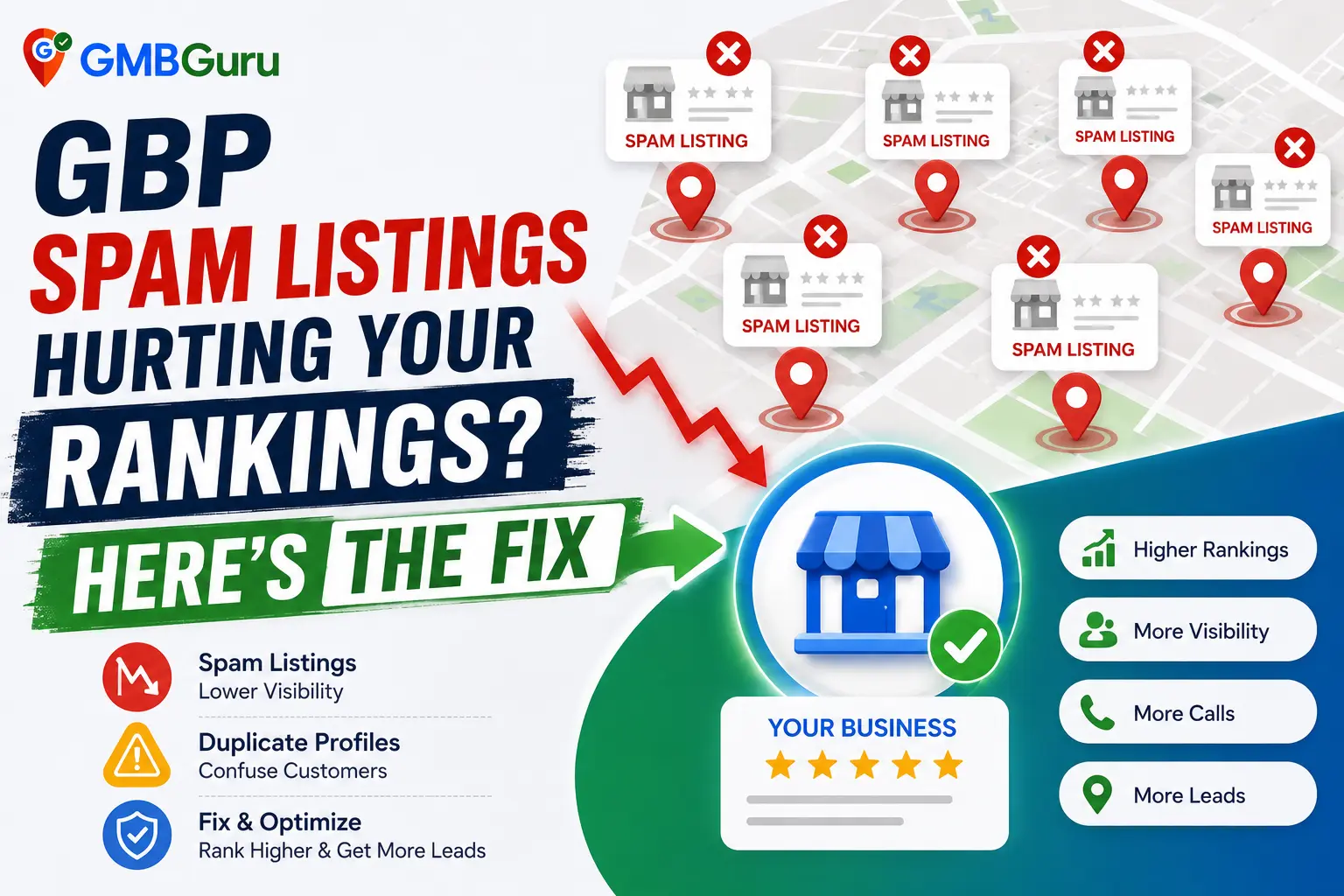 What Exactly Is GBP Spam on Google Maps?
GBP spam is any Google Business Profile that violates Google's guidelines in a way that gives it an unfair ranking advantage. The short answer: if a listing misrepresents the business — its name, location, existence, or category — it's likely spam. Google's own guidelines for representing your business on Google are clear that listings must accurately reflect a real, customer-facing business with a verifiable address.
In practice, spam listings come in several common forms:
- Keyword-stuffed business names — Profiles that pad the business name field with search terms like "Best Plumber Chicago 24/7 Emergency" instead of using the real business name. This directly violates Google's guidelines and is one of the most widespread spam tactics.
- Fake virtual office or PO Box listings — Businesses that list a mailing address or co-working space as a physical storefront when no customer actually visits that location.
- Duplicate listings — Multiple profiles created for the same business at the same or slightly varied addresses, designed to occupy more map real estate.
- Lead-gen spam listings — Profiles created by third-party lead generators posing as local businesses in categories like locksmiths, plumbers, or movers, collecting calls and reselling them.
- Fake review farms — Listings propped up entirely by purchased or fabricated reviews to appear legitimate.
Why Does GBP Spam Hurt Your Google Maps Rankings?
Spam listings hurt legitimate businesses because Google's local ranking algorithm rewards relevance and proximity — and spam profiles are engineered to game both. When a keyword-stuffed competitor profile ranks above yours, it's effectively stealing clicks, calls, and map visibility that should belong to you.
The impact is real and measurable in your own dashboard. Businesses often report a noticeable drop in direction requests, website clicks, and phone calls from their GBP Insights after a wave of spam listings appears in their local pack. Because Google's algorithm evaluates all nearby listings together when deciding who to show, spam profiles that appear more "relevant" (due to keyword stuffing in the name) can suppress otherwise well-optimized legitimate profiles.
There's also an indirect effect: some spam operations combine fake listings with fake reviews. When those inflated profiles rank in the local 3-pack, your legitimately earned position gets pushed to position 4 or below — off the visible pack entirely. That's a significant visibility loss. For a deeper look at the ranking signals that spam exploits, our guide on Google Maps ranking factors in 2026 explains exactly what Google weighs.
How Do You Identify Spam Listings on Google Maps?
The fastest way to find spam in your market is to search for your primary service keyword plus your city on Google Maps, then scrutinize every profile in the results carefully.
Red Flags That Signal a Spam Listing
- Business name contains keywords — If the name reads like a search query ("Emergency AC Repair Dallas — Same Day Service"), it's almost certainly stuffed with keywords in violation of Google policy.
- Generic or stock photos only — Legitimate businesses usually have real interior/exterior photos. Spam profiles often rely on stock images or images scraped from other websites.
- No website or a thin landing page — Many spam listings link to a generic one-page lead-gen site with no real business content.
- Address is a UPS Store, virtual office, or shared workspace — Search the address on Street View. If it's a mailbox suite, that's a red flag.
- Suspiciously high review counts with no responses — A brand-new profile with 200 five-star reviews and zero owner responses is a strong indicator of purchased reviews.
- Phone number routes to a call center — Many lead-gen spam listings use tracking numbers that redirect rather than connecting to a real local business.
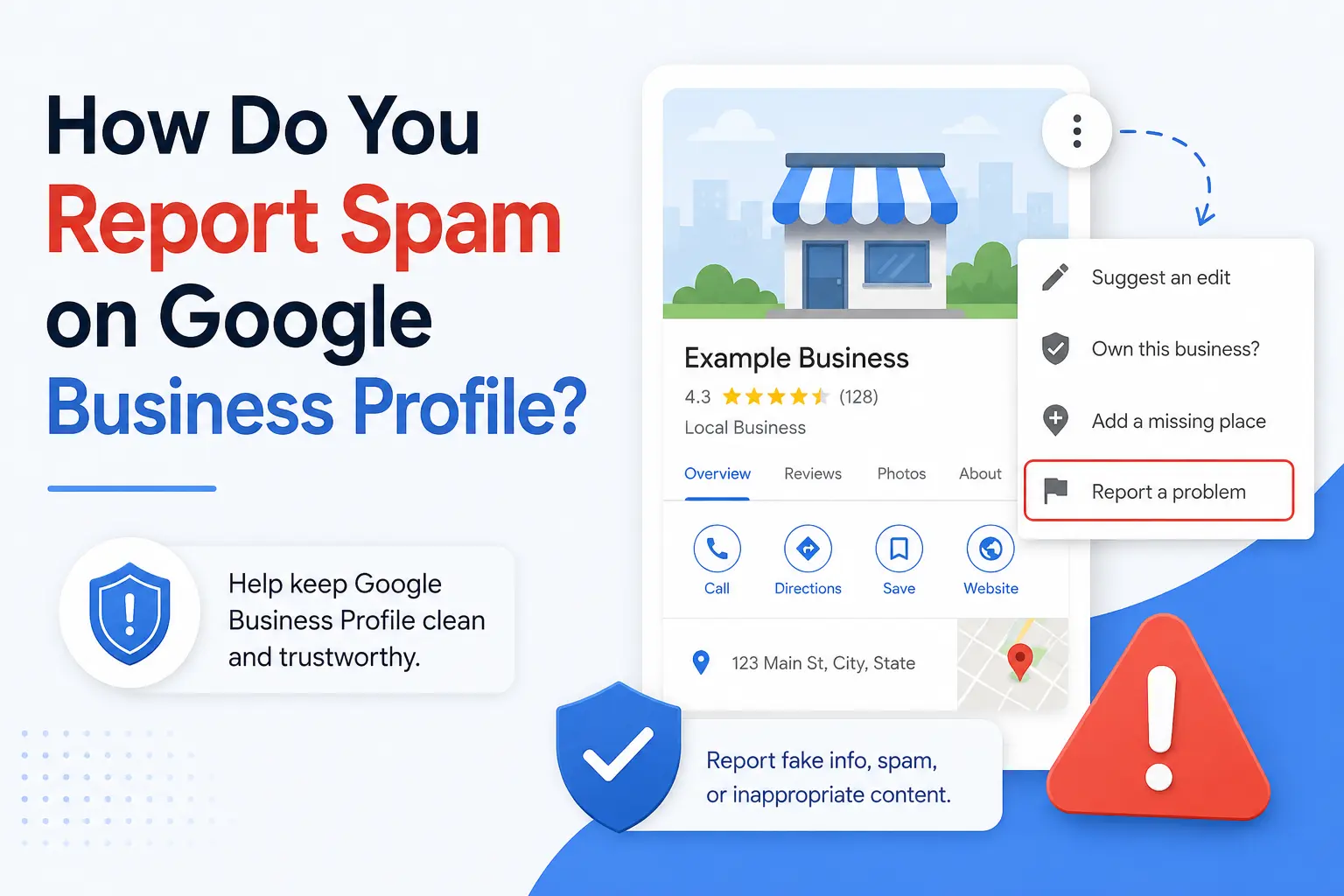 How Do You Report Spam on Google Business Profile?
You have two primary ways to report a fake or spam listing — directly through Google Maps or through Google's Business Redressal Complaint Form, which is the more powerful option for serious violations.
Option 1: Flag the Listing Directly on Google Maps
- Find the spam listing in Google Maps or Search.
- Click on the profile to open the full listing panel.
- Scroll down and click "Suggest an edit."
- Select "Close or remove this place" and choose the most accurate reason (e.g., "This place doesn't exist" or "This is a duplicate").
- Submit. Google will review the suggestion.
This method works but can be slow and is not always actioned quickly — especially for listings with a history of activity.
Option 2: Use the Business Redressal Complaint Form
For more serious violations — particularly keyword-stuffed names, fake addresses, or lead-gen spam operations — Google's Business Redressal Complaint Form is the right tool. This goes directly to Google's quality team rather than the general edit suggestion queue. When submitting, you'll want to:
- Identify the specific Google policy the listing violates (e.g., keyword stuffing in the business name).
- Document your evidence — screenshots, Street View images of the address, phone number test results.
- Be precise and factual. Google's team reviews these manually, so clarity matters.
How GMB Guru Handles Spam Reporting for Our Clients
At GMB Guru, our process for dealing with competitor spam goes well beyond submitting a single flag and hoping for the best. When a client brings a spam problem to us, our team begins with a structured competitive audit of the local pack — identifying every listing that appears above or near our client's profile and evaluating each one against Google's published guidelines.
Where violations are clear, we build a documented evidence package: we capture timestamped screenshots of the business name, address verification via Street View, website analysis, and phone number checks. We then file a targeted Business Redressal Complaint with the specific policy language that applies — which substantially improves the likelihood that Google's quality reviewers will take action. For persistent or high-volume spam operations in competitive markets, we follow up and escalate through Google's Business Profile support channels when necessary.
This isn't a one-and-done task. Our team monitors the local pack on an ongoing basis for new spam listings, so our clients aren't caught off guard by a fresh wave of fake profiles. If your market is competitive and spam is a recurring problem, ongoing Google Maps SEO management is the most reliable way to stay ahead of it.
How Do You Protect Your Own GBP from Being Outranked by Spam?
Reporting spam is only half the equation. The other half is making your own profile so strong that even a temporarily stubborn spam listing can't keep you out of the top results. Google's algorithm ultimately rewards profiles it trusts — and trust is built through consistency, completeness, and engagement signals.
Profile Hardening Steps That Counter Spam
- Use your exact legal business name — No keywords, no descriptors. Your real name, as it appears on your business license. This signals legitimacy and protects you from being flagged yourself.
- Keep your NAP consistent everywhere — Your Name, Address, and Phone number must match exactly across your website, GBP, and all citations. Inconsistencies weaken Google's confidence in your listing. Our guide on NAP consistency for local SEO covers this in detail.
- Build genuine reviews steadily — A profile with a growing, steady stream of authentic reviews signals to Google that it's an active, legitimate business. Spam listings with fake reviews often have irregular patterns that Google's systems eventually detect.
- Upload real photos regularly — Authentic photos of your team, location, and work are something fake listings can't easily replicate. They also improve engagement signals.
- Post GBP Updates consistently — Active profiles that post regularly demonstrate an engaged, real business. This is a trust signal that helps offset the temporary advantage spam listings may hold.
- Earn local backlinks and citations — Off-profile authority signals from local directories, news mentions, and industry sites reinforce your legitimacy in Google's eyes. Read more in our local citations guide.
What Should You Do If Google Doesn't Remove the Spam Listing?
Unfortunately, Google doesn't remove every spam listing immediately — or sometimes at all, at least not right away. If your initial report goes unaddressed, you have a few escalation options.
First, gather more evidence and resubmit through the Business Redressal Complaint Form with a stronger documentation package. Second, if the spam listing is in a category known for widespread abuse (locksmiths, movers, garage door repair, etc.), be aware that Google does conduct periodic clean-up sweeps of these categories — reported listings are more likely to be caught in those sweeps. Third, consider engaging Google Business Profile support directly, as verified business owners can sometimes open a support case tied to a specific listing.
At GMB Guru, when a spam listing proves resistant to standard reporting, our team explores every available escalation path available through Google's support ecosystem. We also shift focus to reinforcing the client's own profile authority in parallel — because the most reliable way to win in a spam-heavy market is to be the listing Google trusts most, regardless of what competitors are doing. Our GMB Help & Support service is specifically designed for situations where standard self-service options aren't getting results.
How Are Duplicate Listings Different from Spam — and Why Does It Matter?
Duplicate listings are a specific type of GBP spam where the same business has multiple active profiles — sometimes accidentally, sometimes intentionally. They matter for a separate reason: duplicates can split your own ranking signals and confuse Google about which profile to show. If you have a duplicate of your own listing, it can suppress your primary profile even without any competitor involvement.
The fix for duplicates is different from the fix for fake competitor listings. Duplicates need to be merged or removed through Google's own profile management tools, not just flagged as spam. We've written a full guide on how to merge duplicate Google Business Profiles if this is a problem you're facing alongside competitor spam.
GBP Spam Action Checklist: What to Do Right Now
- ✅ Search your primary keyword + city on Google Maps and screenshot the results.
- ✅ Review every competitor listing in the local pack for the red flags listed above.
- ✅ Document violations with timestamped screenshots before reporting.
- ✅ Submit reports via Suggest an Edit on Maps for clear-cut violations.
- ✅ Use the Business Redressal Complaint Form for serious keyword-stuffing or fake address violations.
- ✅ Audit your own profile for completeness, accuracy, and category alignment.
- ✅ Check your business name — ensure it matches your real business name with zero keyword additions.
- ✅ Verify NAP consistency across your website, GBP, and top citations.
- ✅ Set a monthly calendar reminder to re-check the local pack for new spam entries.
- ✅ If spam persists, contact GMB Guru for a professional competitive audit and escalation support.
When Should You Call in Expert Help for GBP Spam?
DIY spam reporting works for straightforward cases — a single keyword-stuffed listing, an obvious fake address. But if you're in a high-competition market where spam is endemic (think: locksmiths, home services, legal, or medical categories in major US cities), or if you've already filed reports that went nowhere, it's time to work with a team that does this professionally.
GMB Guru is a certified Google Business Profile agency that handles spam-related ranking suppression as part of our broader local SEO and GBP optimization work. We know what documentation Google's review team responds to, we know which escalation paths exist, and we know how to build your profile's authority so that spam listings become a minor nuisance rather than a ranking threat. If you're ready to stop losing ground to fake listings, talk to our team today.
People Also Ask
- How do I report a fake Google Business listing?
- Can spam listings actually hurt my Google Maps rankings?
- How long does it take Google to remove a spam listing?
- What counts as a spam listing on Google Maps?
- Can I get a fake competitor listing removed from Google?
- Is keyword stuffing in a Google Business name against Google's rules?
People Also Ask
See the FAQ section below for detailed answers to these questions.