- What Is GBP Messaging — and Why Does It Matter for Your Business?
- How Do You Enable Messaging on Your Google Business Profile?
- How Does GMB Guru Set Up Messaging for Our Clients?
- Crafting a Welcome Message That Actually Converts
- Notification Configuration
- Staying Inside Google's Messaging Guidelines
- Why Does Response Time Make or Break GBP Messaging?
- Can You Automate GBP Message Responses — and Should You?
- What Are the Best Practices for Converting GBP Messages Into Paying Customers?
- Does GBP Messaging Affect Your Local SEO Rankings?
- What Are the Most Common GBP Messaging Mistakes Businesses Make?
- Quick Reference: GBP Messaging Setup and Optimization Checklist
- Ready to Turn Your GBP Inbox Into a Lead Engine?
- People Also Ask
Quick Answer
GBP messaging lets customers contact your business directly from your Google Search or Maps listing — and when managed well, it's one of the fastest ways to convert a profile visitor into a paying customer. Enable it in your Google Business Profile dashboard, set up a welcome message, and respond within minutes to keep leads warm.
If someone finds your business on Google and has a quick question before they book or buy, what do they do? Most of them don't call. They don't fill out a contact form. They click away and go to the next result. Google Business Profile messaging closes that gap — it puts a direct, frictionless line of communication right on your listing, at exactly the moment a prospect is deciding whether you're worth their time. When it's set up and managed correctly, it's a genuine lead-conversion tool. When it's ignored, it actively costs you customers. At GMB Guru, we treat GBP messaging as a core part of every optimization strategy we build for US businesses — and in this guide, we'll show you exactly how to make it work for yours.
 What Is GBP Messaging — and Why Does It Matter for Your Business?
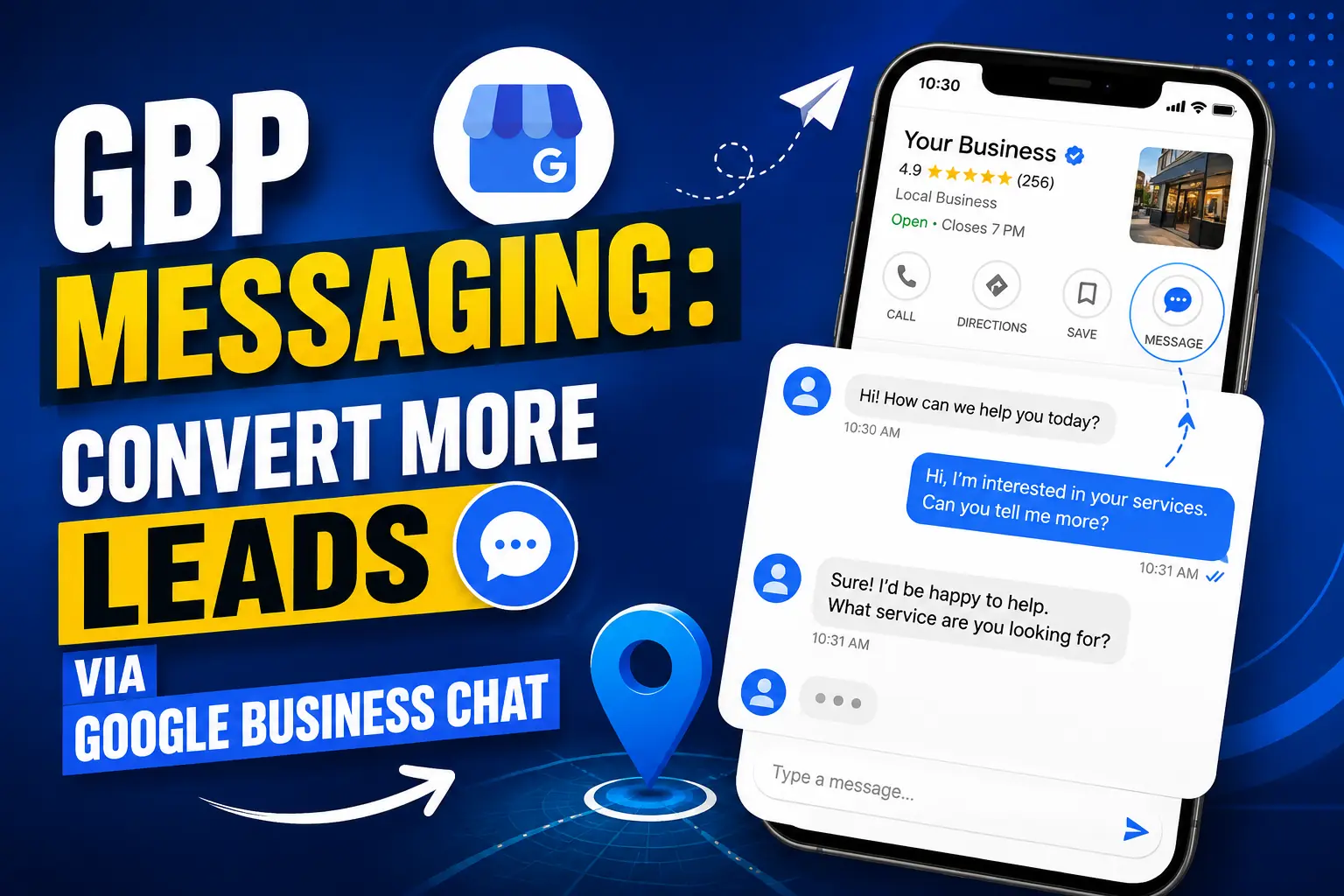
GBP messaging is Google's built-in chat feature for business listings. When it's enabled, a "Chat" button appears directly on your Google Search and Google Maps profile, allowing potential customers to send you a message without picking up the phone or navigating to your website. You receive and respond to those messages through the Google Business Profile app or the GBP Manager on desktop.
The reason this matters is simple: customers increasingly prefer messaging over calling, especially for quick pre-purchase questions. A prospect who can get an answer in two minutes is far more likely to convert than one who leaves your listing to hunt for another way to reach you. Google has documented this feature in full detail on the official GBP messaging help page — and it's worth understanding both the opportunity and the responsibilities that come with it.
Businesses that leave messaging disabled are essentially putting a "closed" sign on one of the most visible doors to their business. Those that enable it but respond slowly — or not at all — face a different problem: Google monitors response times and can disable the messaging feature if your average response time consistently exceeds 24 hours. The tool rewards responsiveness, which is exactly what your prospects want anyway.
How Do You Enable Messaging on Your Google Business Profile?
Enabling GBP messaging takes less than five minutes. Here's the straightforward process:
- Step 1: Sign in to your Google Business Profile Manager or open the Google Business Profile app on your mobile device.
- Step 2: Select the business location you want to manage.
- Step 3: Navigate to Messages in the left-hand menu (desktop) or the messaging icon in the app.
- Step 4: Click or tap Turn on to activate the messaging feature for your profile.
- Step 5: Set up your welcome message — this is what customers see instantly when they open the chat window before you reply. Make it specific and useful, not generic.
Once enabled, the Chat button typically appears on your listing within a short time. The welcome message is your first impression in every conversation — think of it as a receptionist's greeting. A message like "Hi! Thanks for reaching out to [Business Name]. What can we help you with today?" is far more inviting than a blank window.
How Does GMB Guru Set Up Messaging for Our Clients?
When our team onboards a new client as part of our Google Business Profile optimization service, messaging setup is one of the first things we check — and it's almost always either disabled or poorly configured. Here's what our process looks like:
Crafting a Welcome Message That Actually Converts
Most welcome messages are an afterthought. Ours aren't. We write welcome messages that set expectations, invite the right kind of inquiry, and pre-qualify the conversation — so by the time a human responds, the lead is already warming up. For a dental practice, that might look different than it does for a roofing contractor, and we tailor accordingly.
Notification Configuration
A lead who messages your profile and waits two hours might as well have never messaged. We ensure the business owner or designated responder has push notifications active on the GBP app, so no message slips through during business hours. For clients with higher message volume, we discuss delegation or escalation workflows so someone is always watching the inbox.
Staying Inside Google's Messaging Guidelines
Google's messaging policies are clear: the feature is for business-customer communication, not for marketing solicitations or spam. Our team makes sure our clients' messaging practices stay compliant — because a policy violation here can affect your broader profile, not just the chat feature. We build good habits from day one.
 Why Does Response Time Make or Break GBP Messaging?
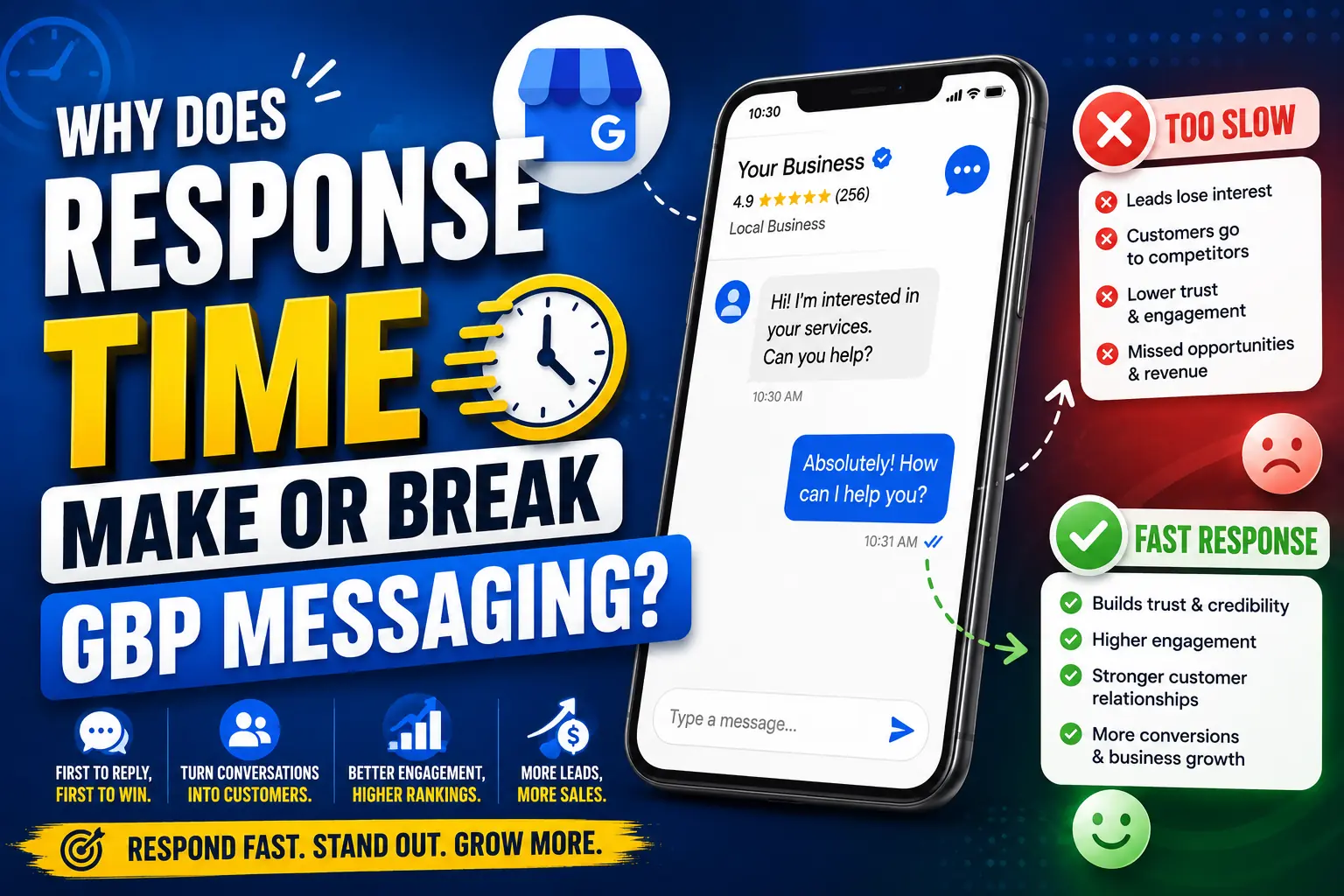
Response time is arguably the single most important variable in whether GBP messaging helps or hurts your business. Google is transparent about this: if your business consistently fails to respond within 24 hours, messaging can be turned off on your profile. But the real competitive damage happens long before that threshold.
Think about the moment someone sends a message from your Google listing. They're actively considering your business — they've already read your profile, looked at your photos, maybe skimmed your reviews. They have a question that's standing between them and a booking or purchase. If you respond in under an hour, you're still in the decision window. If you respond six hours later, they've probably already hired your competitor.
Businesses often report that their highest-converting leads come from messaging precisely because the conversation happens in real time — it's personal, it's immediate, and it removes friction. That's the opportunity. The risk is treating the inbox like email and checking it once a day.
Our recommendation: aim to respond to all GBP messages within 30 to 60 minutes during business hours. Outside hours, a well-crafted automated response that sets clear expectations ("We're closed right now — we'll reply first thing in the morning") keeps the lead warm without requiring a human on call at 11 PM.
Can You Automate GBP Message Responses — and Should You?
Yes — but carefully. Google Business Profile supports automated welcome messages (the message shown before any human reply), and some third-party tools that integrate with GBP can facilitate more sophisticated automated flows. However, Google's terms make clear that the messaging feature must be used to facilitate genuine business-customer communication, not automated marketing blasts.
The practical answer is: use automation to acknowledge and hold, not to replace human conversation. An automated welcome message that says "Thanks for your message — a member of our team will reply within the hour" is valuable. An automated sequence that tries to sell before anyone has read the actual question is both ineffective and potentially a policy risk.
At GMB Guru, we help clients build a realistic response workflow — whether that's a business owner personally managing the inbox, a front-desk team member handling it, or a clear escalation process for leads that come in after hours. The goal is a system that's sustainable, responsive, and genuinely helpful.
What Are the Best Practices for Converting GBP Messages Into Paying Customers?
Enabling messaging is step one. Converting those conversations into customers is the real work. Here are the practices our team builds into every client's messaging strategy:
- Answer the actual question first. Don't open with a sales pitch. The prospect asked something specific — answer it directly and completely. Trust is built in the first reply.
- Move toward a clear next step. Once you've answered their question, guide them: "Would you like to schedule a free consultation?" or "I can send you a quote — can I get your email?" Every conversation should end with a proposed action.
- Use the customer's name if you have it. Personalization in messaging increases the sense of real human connection, which is what differentiates a local business from a faceless website.
- Don't over-explain in the first message. Keep initial replies concise. A wall of text in a chat window is off-putting. If the answer requires detail, offer a call: "This is a bit complex to explain in chat — would a quick call work for you?"
- Keep records of common questions. Over time, you'll notice patterns in what prospects ask. Use those insights to improve your GBP description, FAQ section, and posts — so you're reducing friction even before someone hits the chat button.
- Follow up on open conversations. If someone messaged and the thread went quiet, a single polite follow-up after 24–48 hours is appropriate. "Just checking in — happy to answer any other questions you have." Many closed sales start with a second touchpoint.
Does GBP Messaging Affect Your Local SEO Rankings?
Engagement signals matter to Google — and messaging is a form of engagement. While Google has not published a definitive statement declaring that GBP messaging volume directly boosts local pack rankings, the broader principle holds: a profile that is actively managed, responded to, and used signals to Google that the business is real, current, and attentive to customers. That's the profile Google is more inclined to surface.
More concretely, responsiveness and engagement support the prominence and relevance pillars of Google's local ranking framework. Businesses that use every available profile feature — including messaging — tend to have more complete, active profiles, and profile completeness is a documented factor in how Google evaluates listings. You can read more about the Google Maps ranking factors that actually move the needle in our dedicated guide.
The short version: messaging won't single-handedly rank you #1, but ignoring it while your competitors use it well is a missed opportunity. And in local search, the margin between ranking and not ranking is often made up of exactly these small, compounding advantages.
What Are the Most Common GBP Messaging Mistakes Businesses Make?
In our work with US businesses across dozens of industries, we see the same messaging mistakes come up repeatedly. Here's what to avoid:
- Leaving messaging enabled but unmanned. This is the worst outcome — leads arrive, get no response, and leave with a negative impression. If you can't monitor the inbox, either set up a strong auto-response or temporarily disable the feature until you have a workflow in place.
- Using the messaging feature to send unsolicited offers. Google's policies prohibit using GBP messaging for outbound marketing. Stick to responding to inbound inquiries.
- A generic or empty welcome message. "Hello" is not a welcome message. Take two minutes to write something specific to your business that sets the tone for the conversation.
- Treating every message the same. A pricing question needs a different response style than a complaint or a referral request. Read the message, then respond — don't paste a template.
- Never reviewing the messaging inbox. Even businesses that do respond sometimes forget to audit their conversation history. Old unanswered threads, declined message notifications, or patterns in what customers ask are all valuable data.
If any of these sound familiar, you're not alone — and they're all fixable. Our GMB optimization service covers messaging configuration as part of a complete profile audit and overhaul.
Quick Reference: GBP Messaging Setup and Optimization Checklist
- ✅ Messaging enabled in Google Business Profile Manager
- ✅ Custom welcome message written (specific, helpful, inviting)
- ✅ Push notifications active on the GBP app for all team members who respond
- ✅ Response workflow defined — who responds, when, and how fast
- ✅ After-hours auto-response configured to set expectations
- ✅ Conversation follow-up process in place for open threads
- ✅ Common questions documented and used to improve profile content
- ✅ Messaging usage reviewed monthly for patterns, volume, and response times
- ✅ Confirmed compliant with Google's messaging policies
If you want to dig deeper into how messaging fits into a complete profile strategy, our GMB Optimization Checklist for 2026 covers every major profile element in detail. And for businesses tracking whether their efforts are working, our guide on GBP performance metrics walks through exactly what to measure and why.
Ready to Turn Your GBP Inbox Into a Lead Engine?
GBP messaging is one of those features that looks simple on the surface but requires real strategy to convert consistently. Getting it right means configuring the feature correctly, writing responses that move conversations forward, building a workflow your team can actually sustain, and keeping everything inside Google's policies. That's exactly what we do for our clients at GMB Guru — not as an add-on, but as part of how we think about a complete, conversion-focused Google Business Profile.
If your listing's messaging feature is off, untended, or just not converting the way it should, talk to our team about what a full GBP optimization looks like for your business. Or if you'd like us to take a look at where your profile stands right now, book a free audit — it costs nothing, and most business owners walk away with a clear picture of what's working and what's costing them leads.
People Also Ask
- How do I turn on messaging on my Google Business Profile?
- What happens when a customer messages my Google Business Profile?
- Can I set up automatic replies for GBP messages?
- How fast do I need to respond to Google Business Profile messages?
- Does using GBP messaging help my Google Maps ranking?
- Can Google disable my messaging feature if I don't respond?
People Also Ask
See the FAQ section below for detailed answers to these questions.